Skip to content
TimeGarden
  • About
  • Progress
  • Product
  • Contact
  • PL
  • EN
Download
Primary navigation
  • About
  • Progress
  • Product
  • Contact
Download
  • PL
  • EN
  • Privacy policy
  • Terms of use

Gallery

Screenshots, promotional graphics, and other visual material related to TimeGarden.

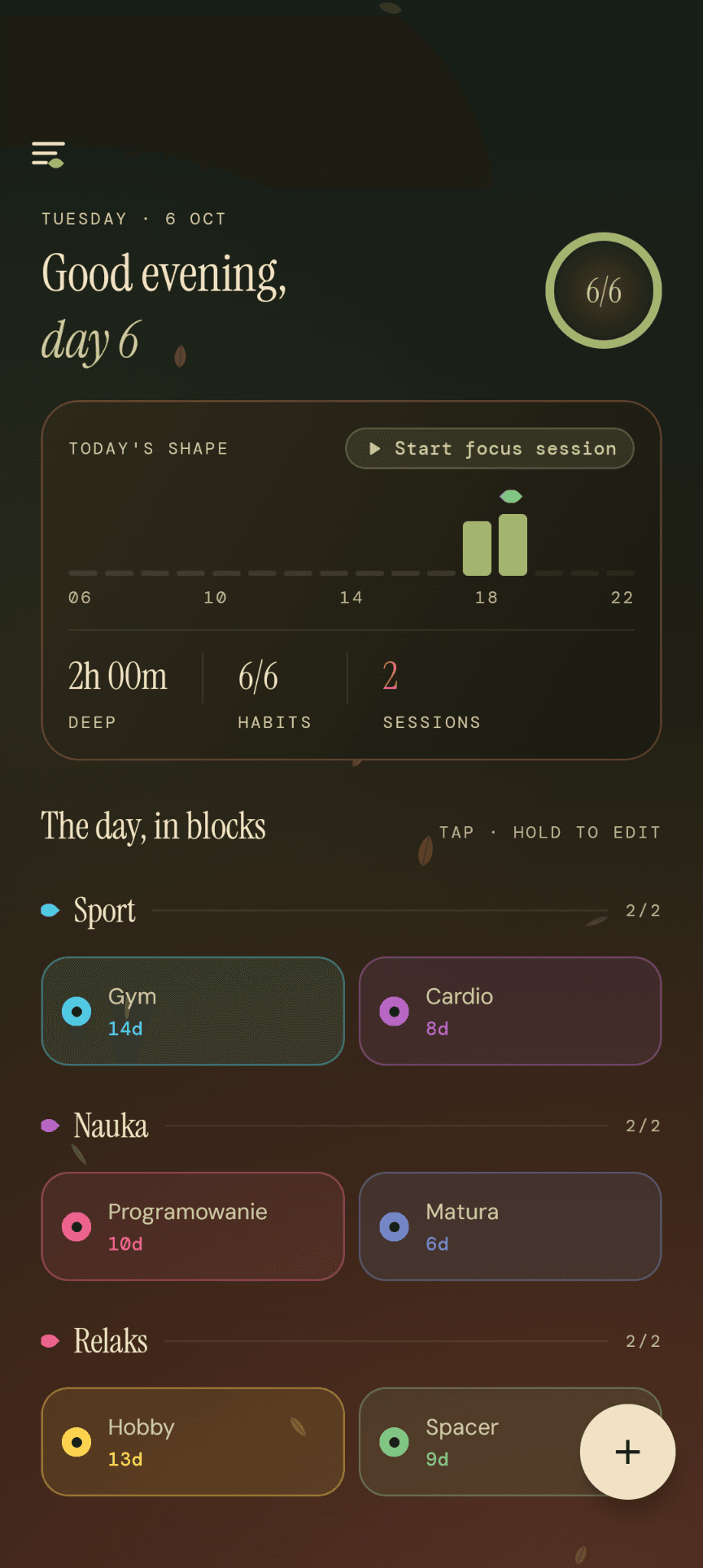
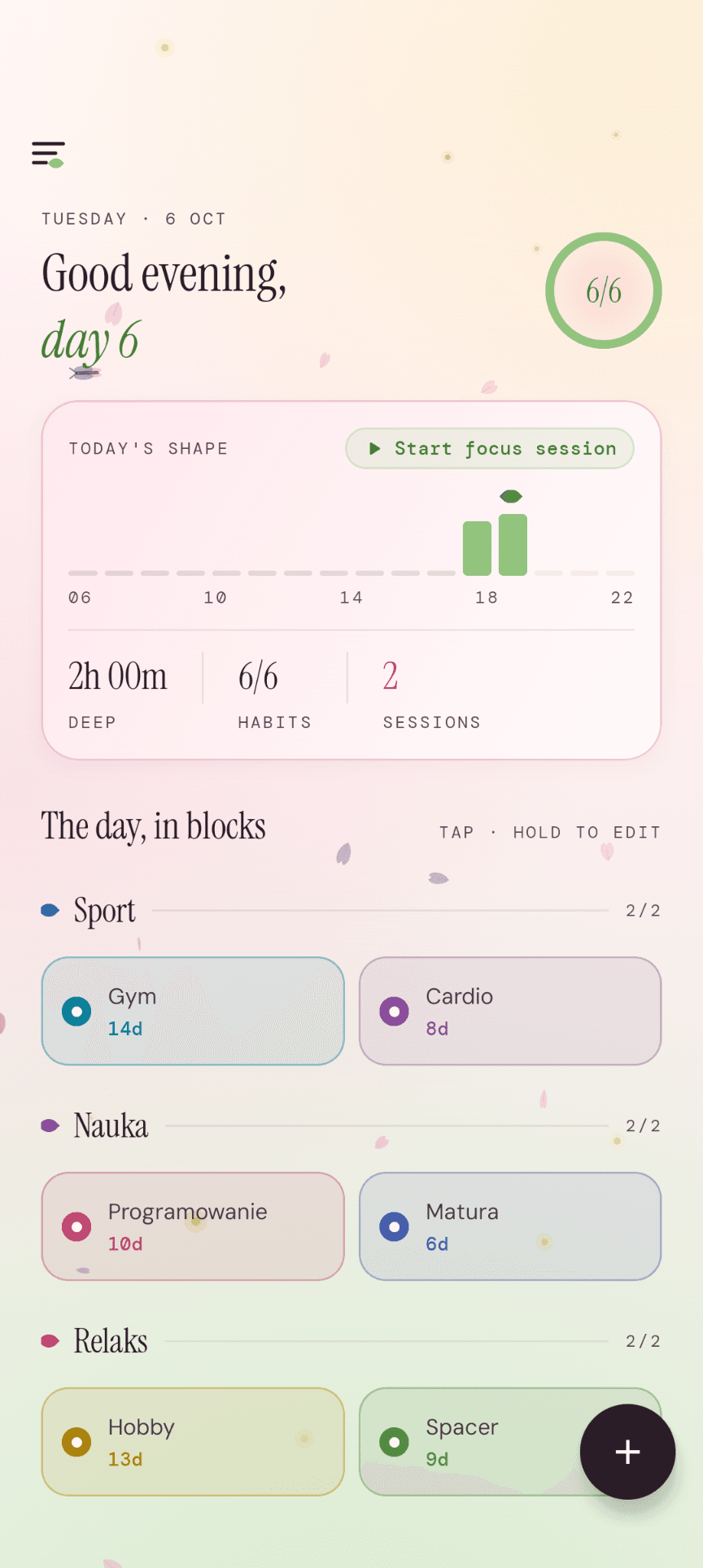
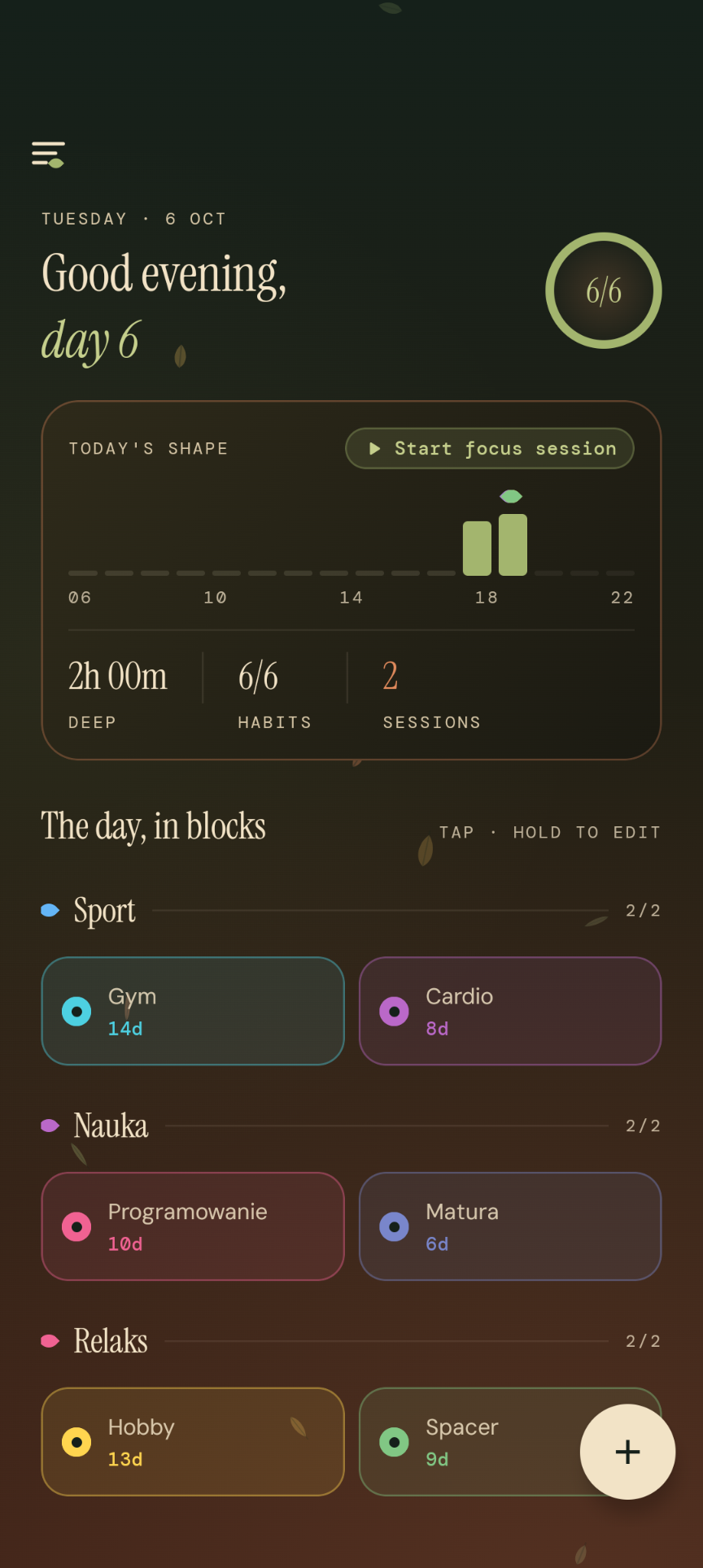
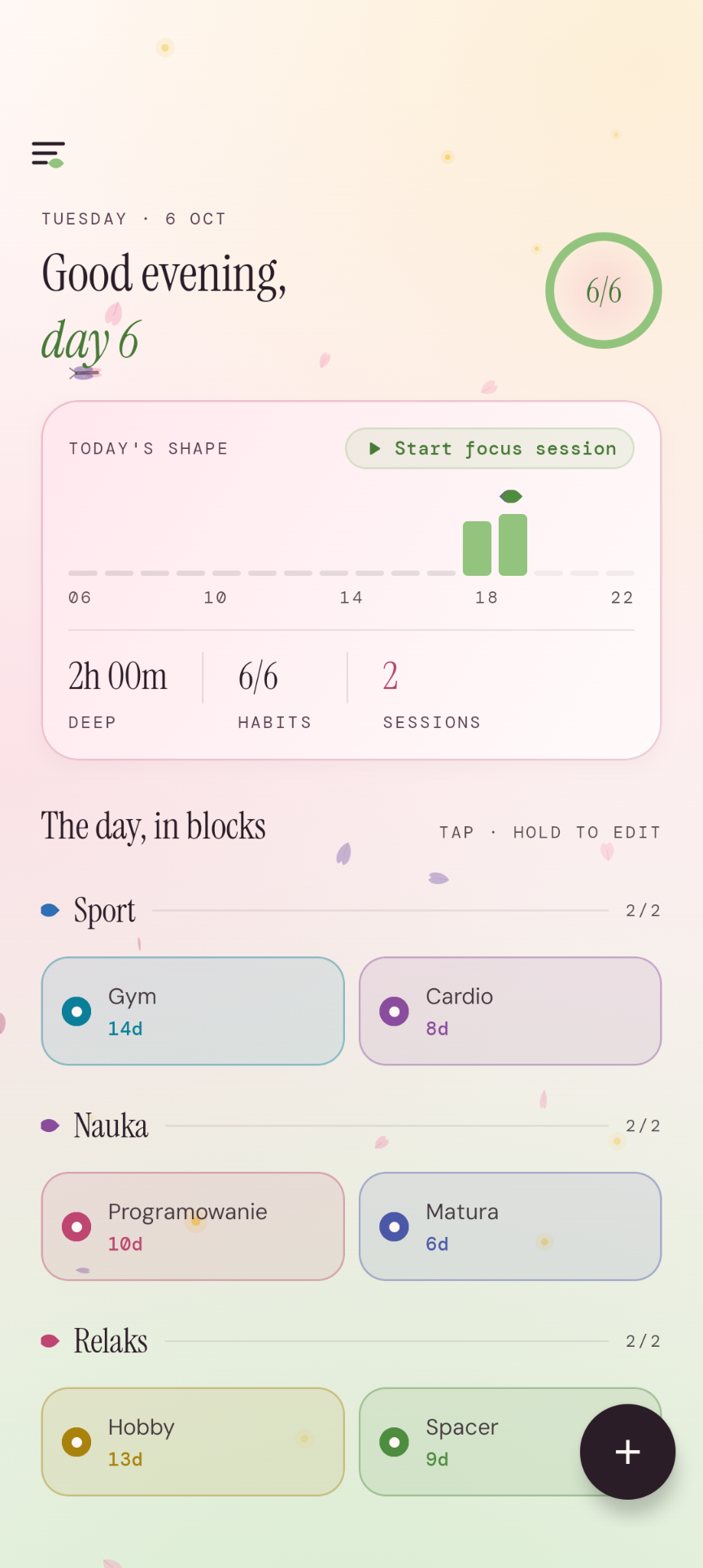
  • TimeGarden day view — greeting, an hourly focus bar and activity blocks grouped into Sport, Study and Relax categories.

    The day, in blocks

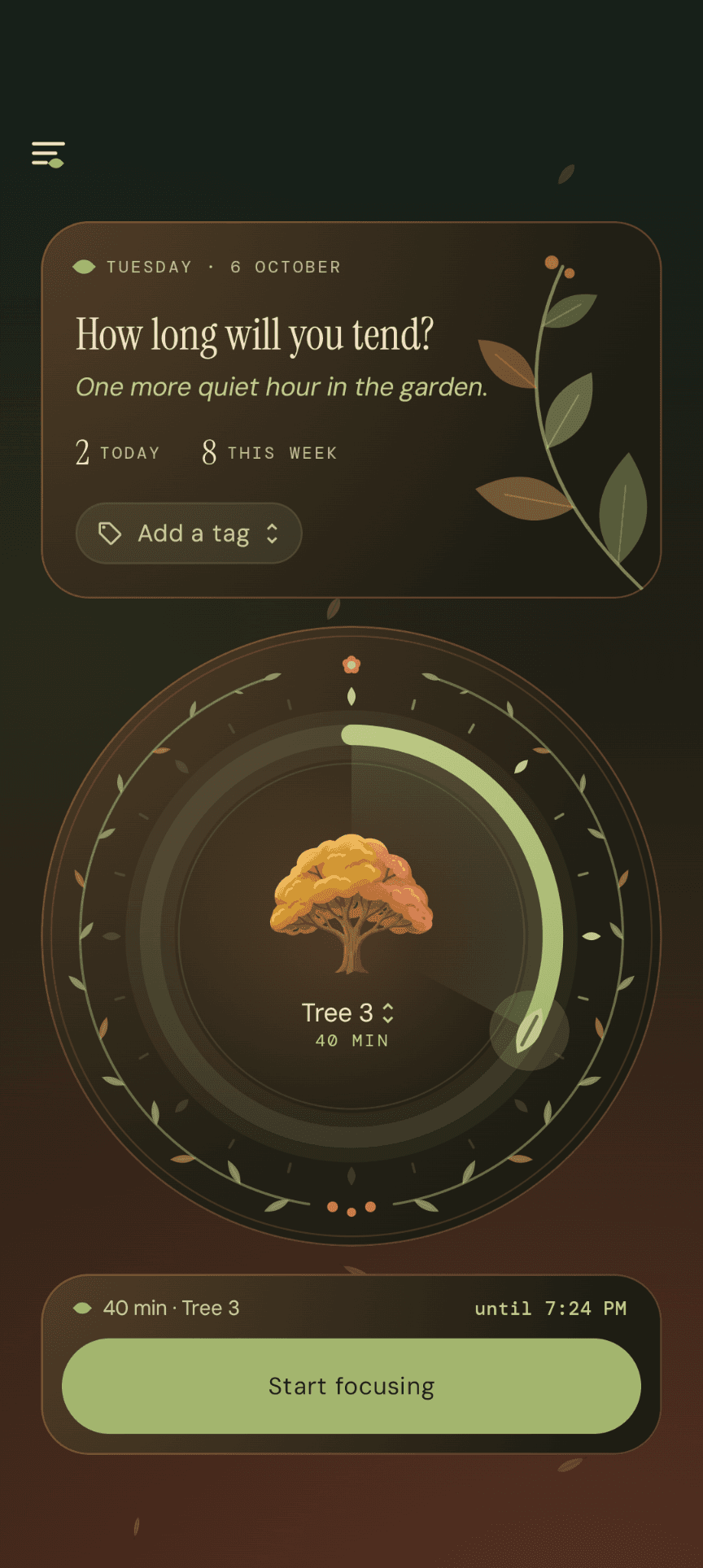
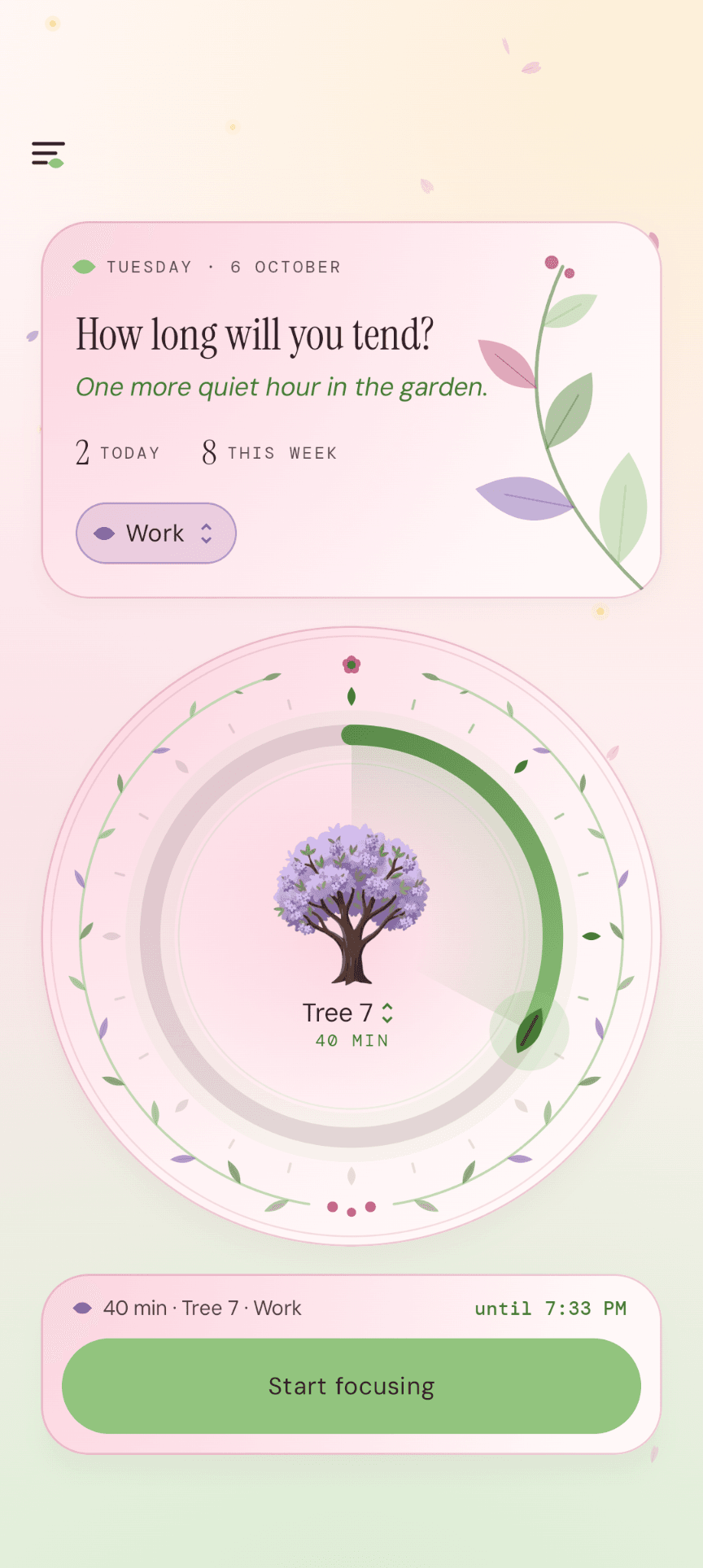
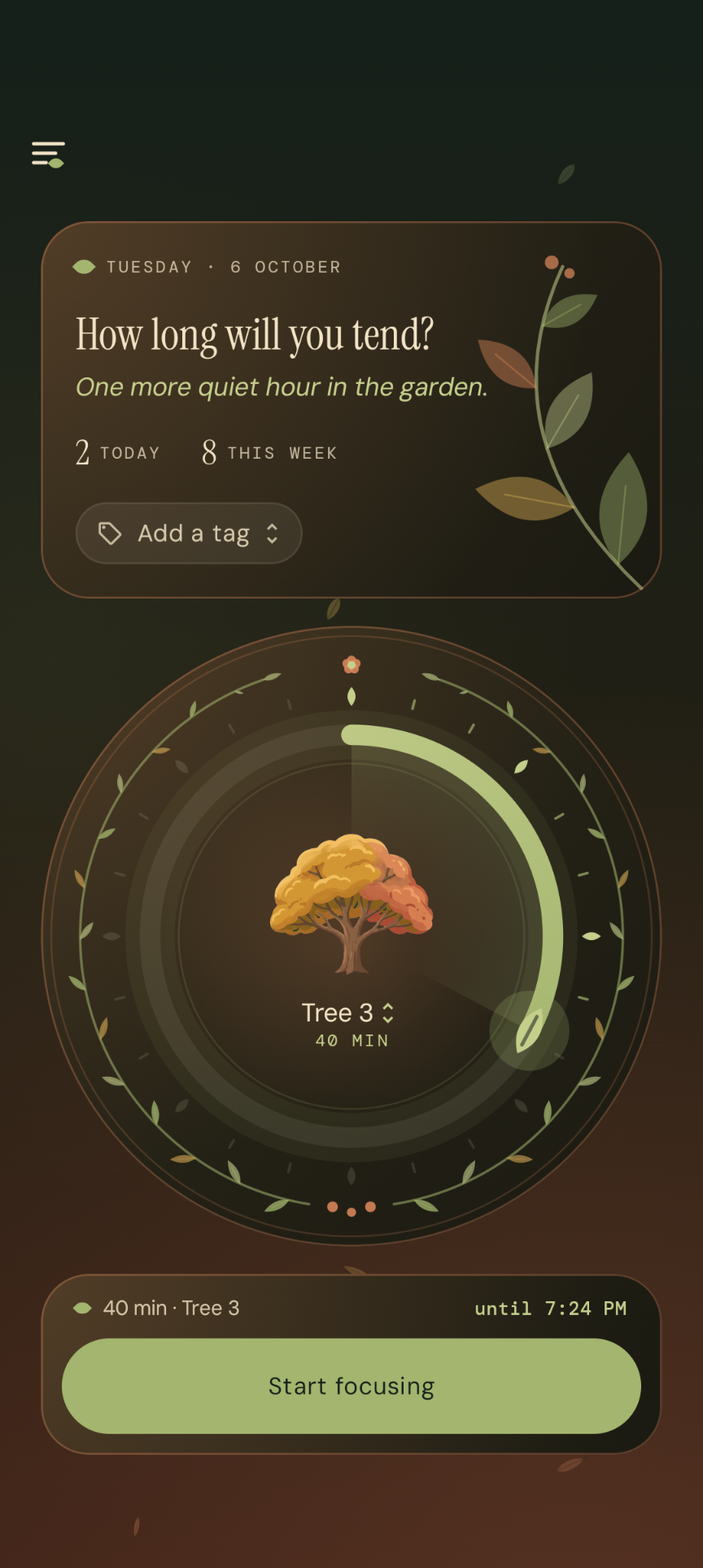
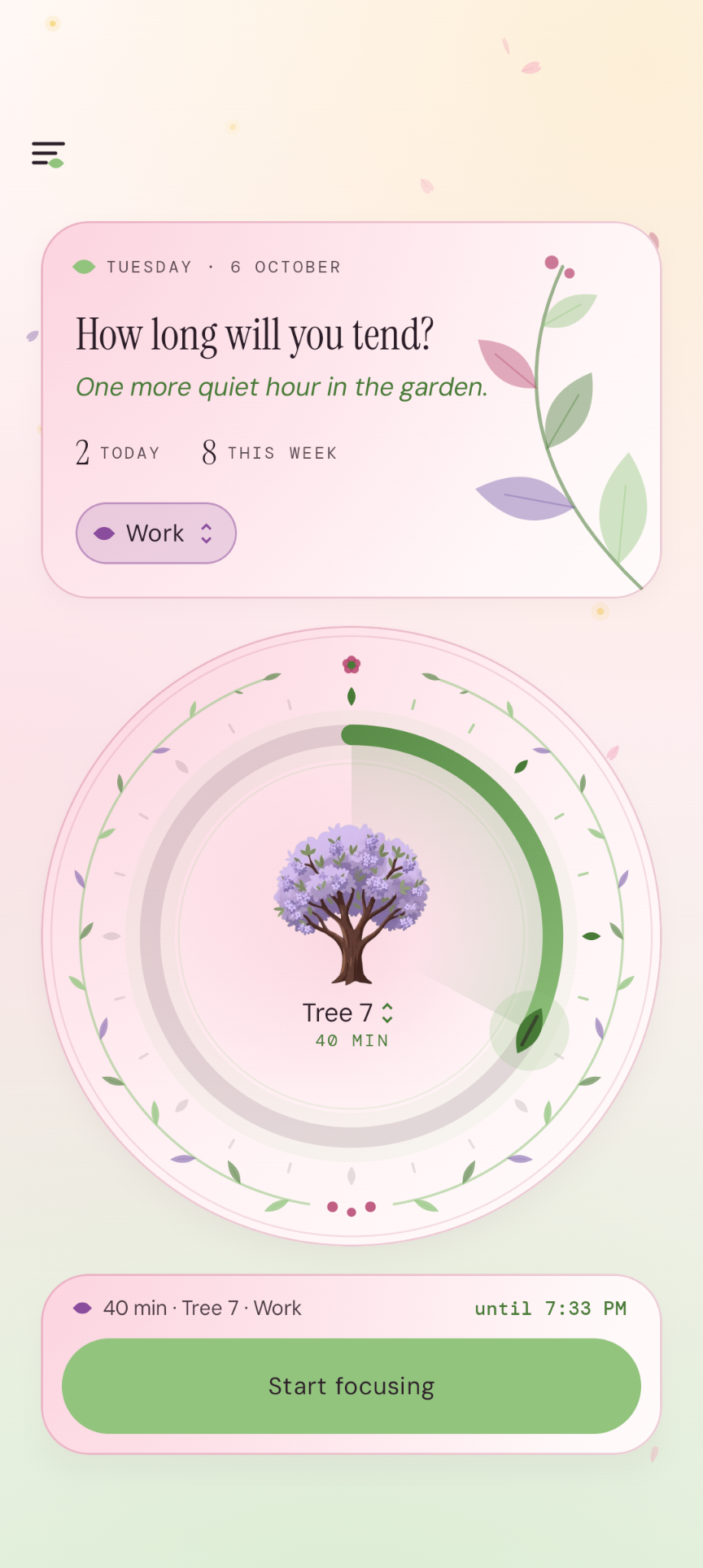
  • Focus mode — a circular session-length dial with a growing tree in the centre and a button to start focusing.

    Focus session

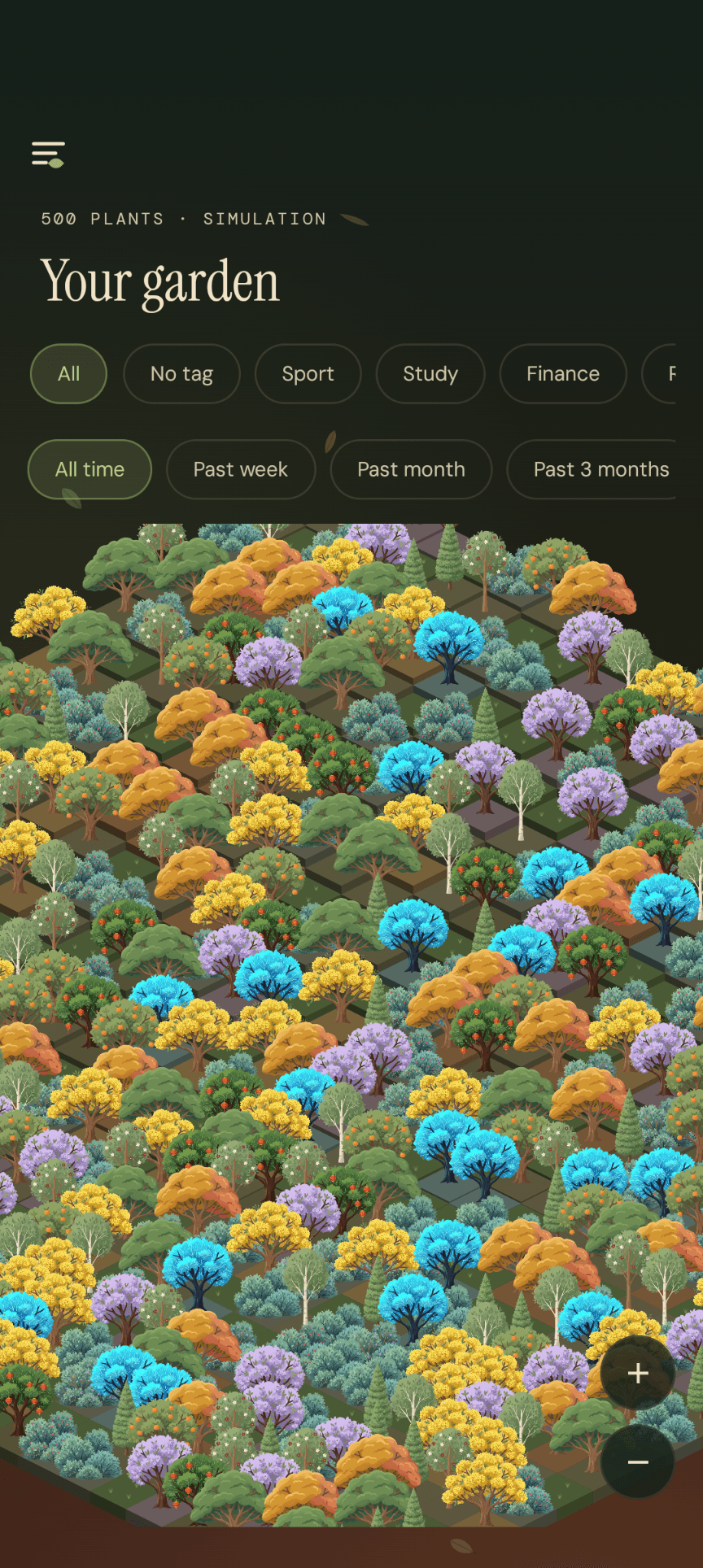
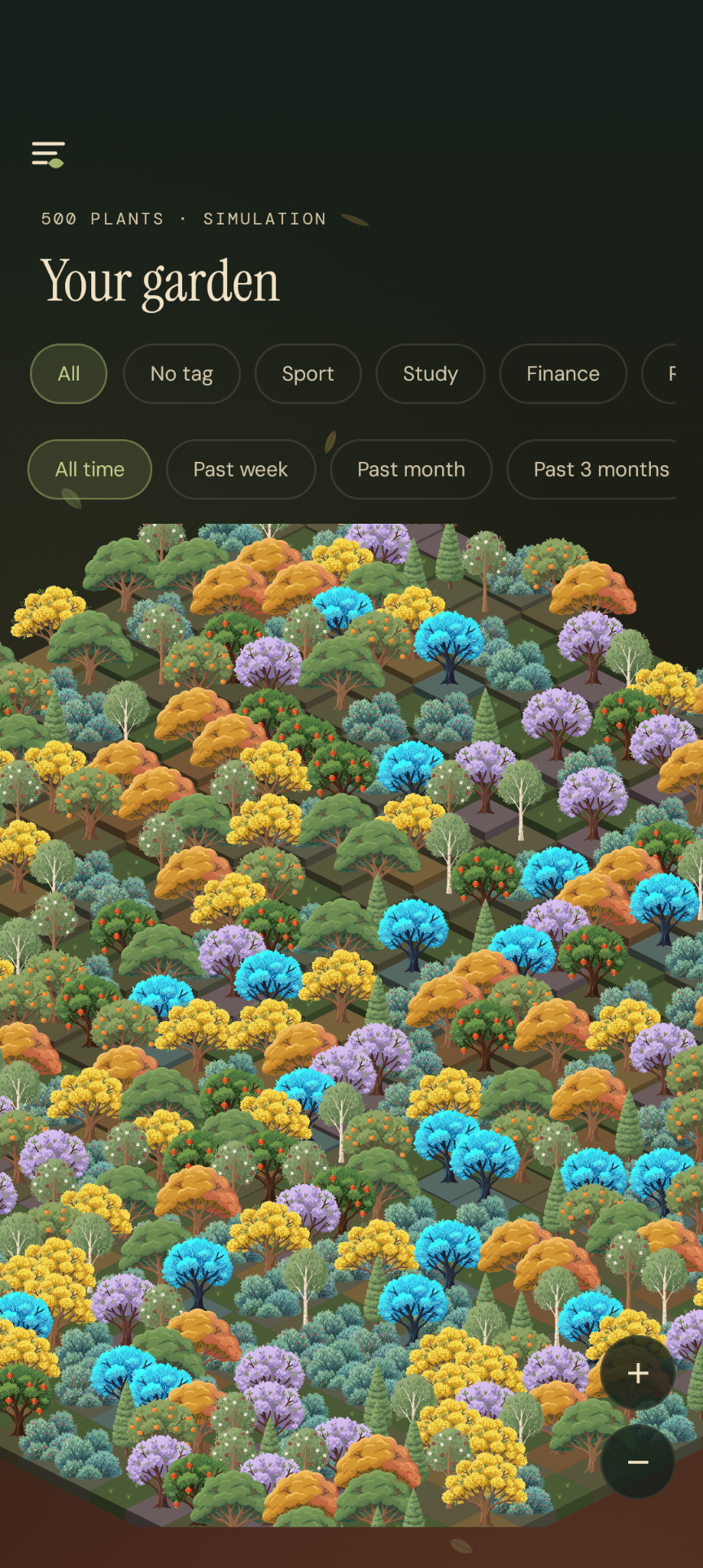
  • The TimeGarden garden — an isometric forest of five hundred plants grown from completed sessions, with tag and time-range filters.

    Your garden

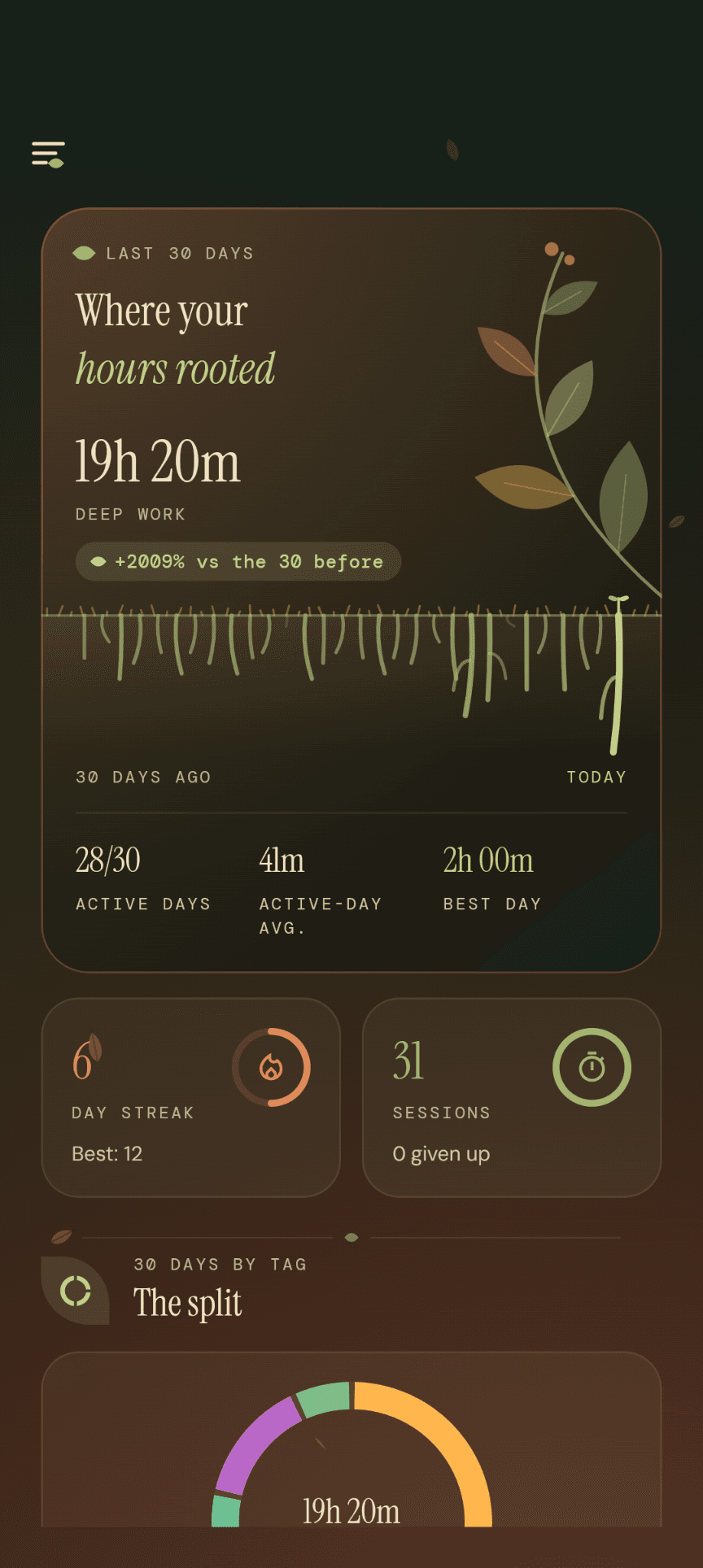
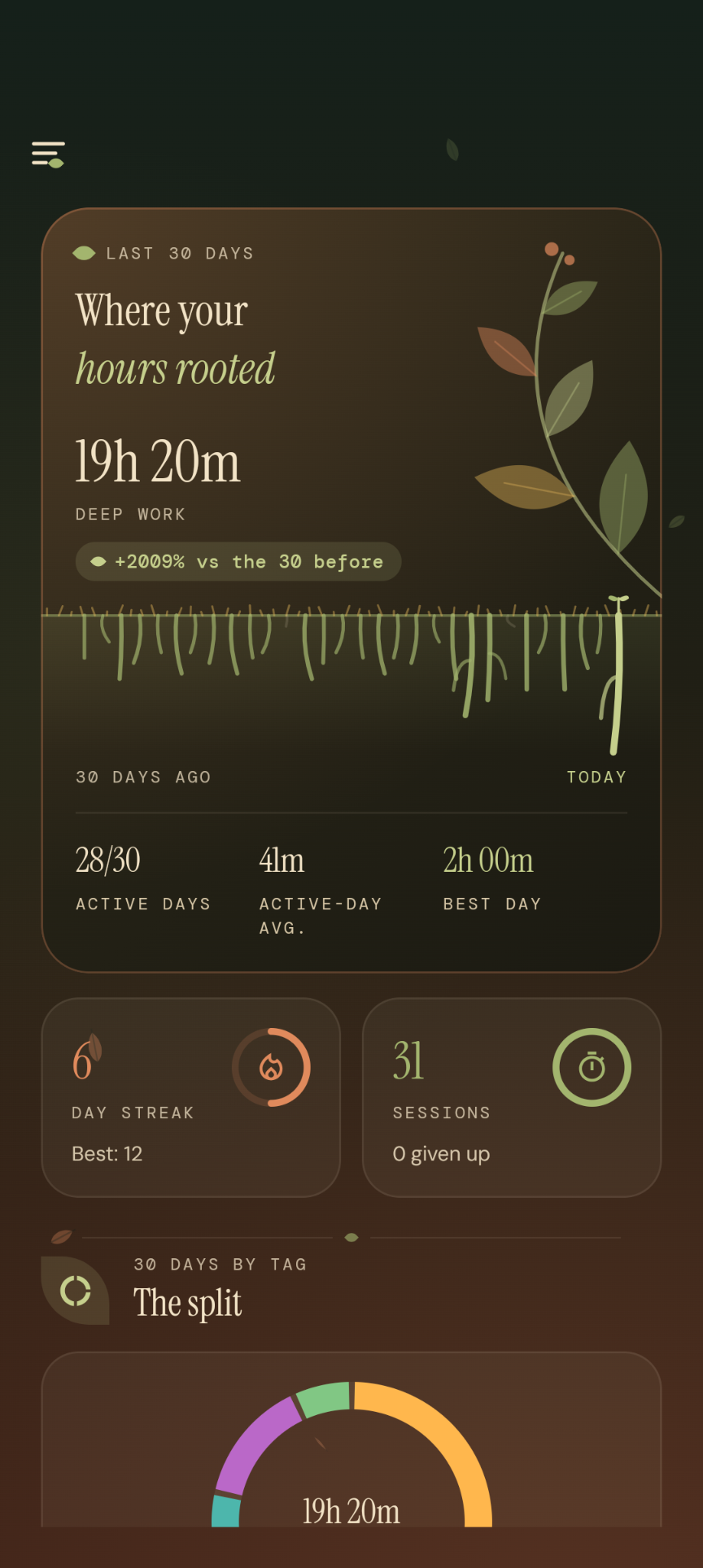
  • The Roots section — a thirty-day focus summary drawn as roots growing into the soil, next to a streak counter and session count.

    Where your hours rooted

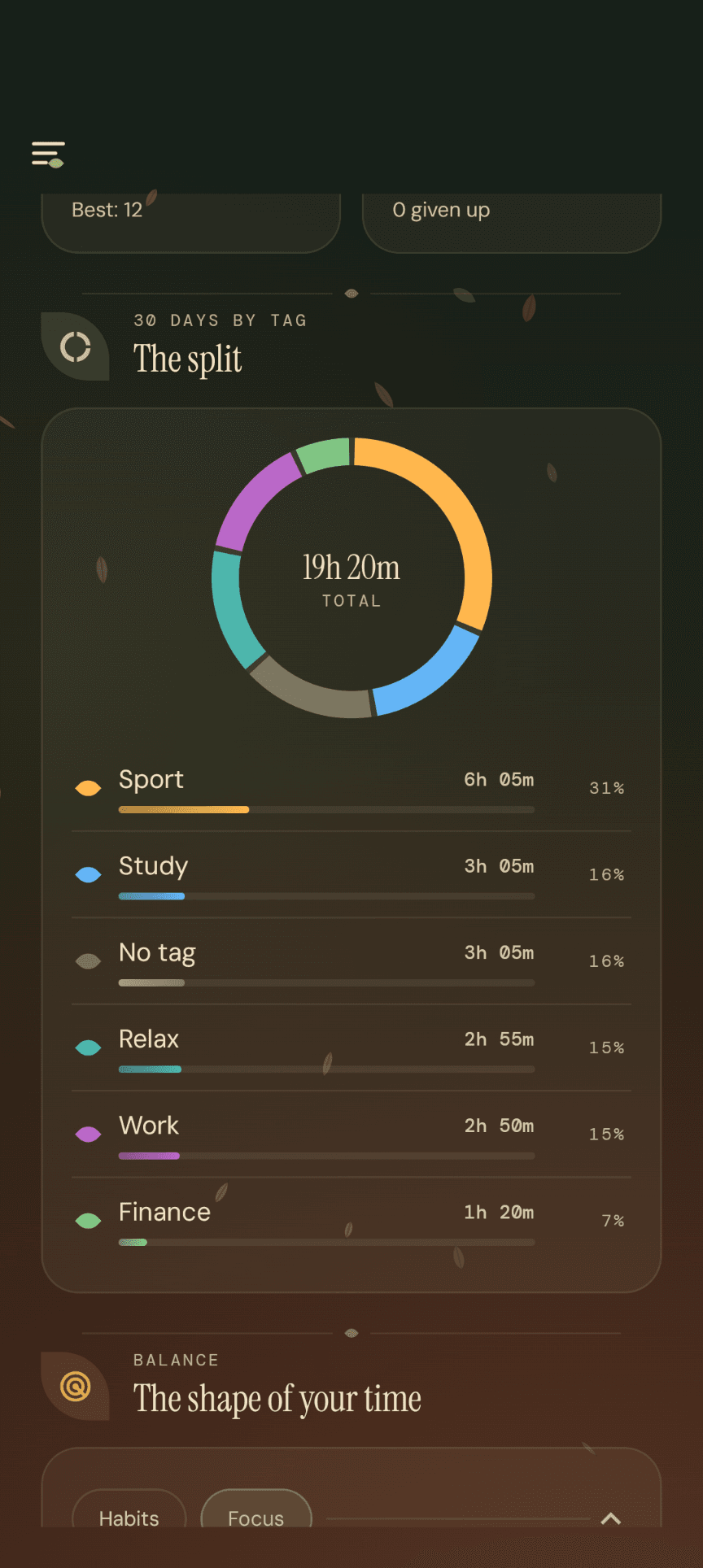
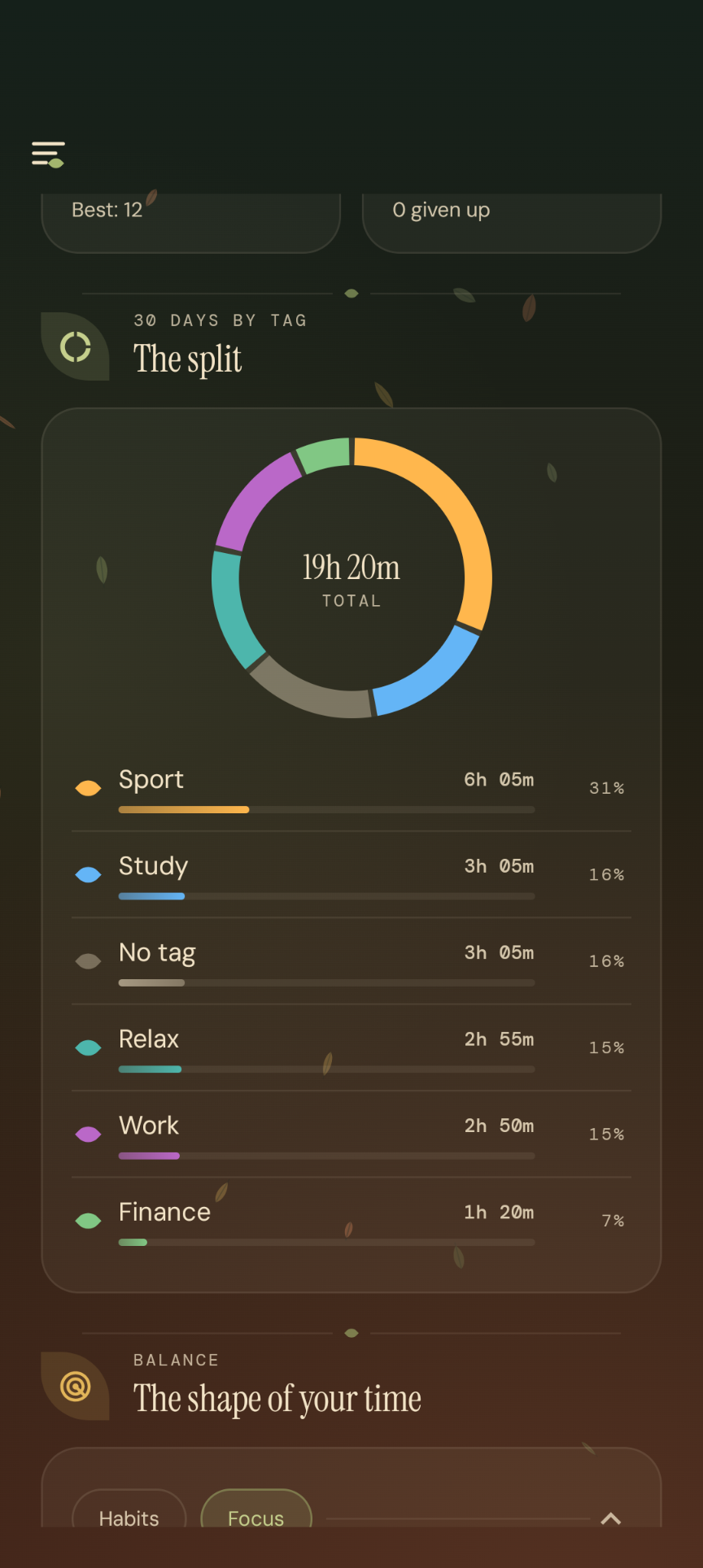
  • Time split by tag — a donut chart with the total in the centre and a list of categories with time spent and percentage share.

    The split by tag

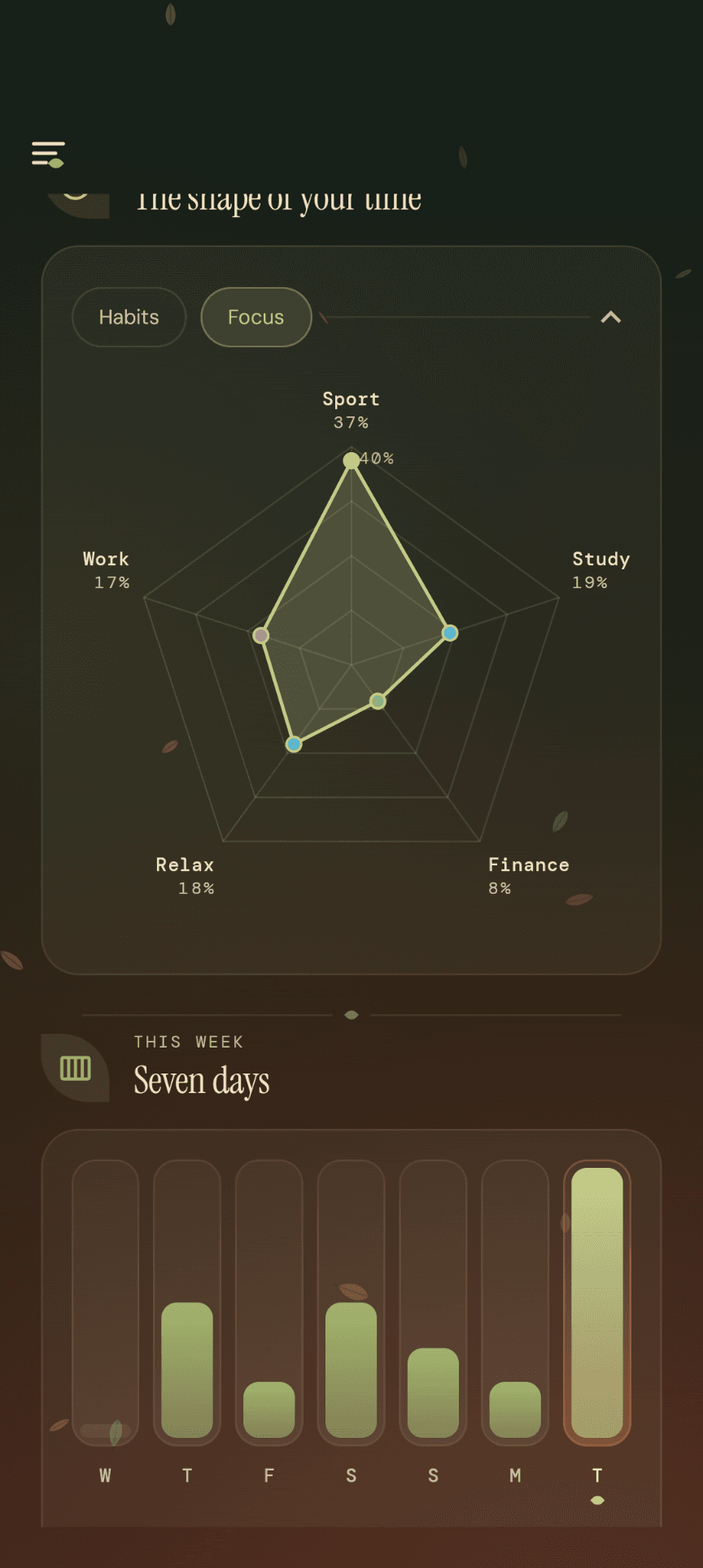
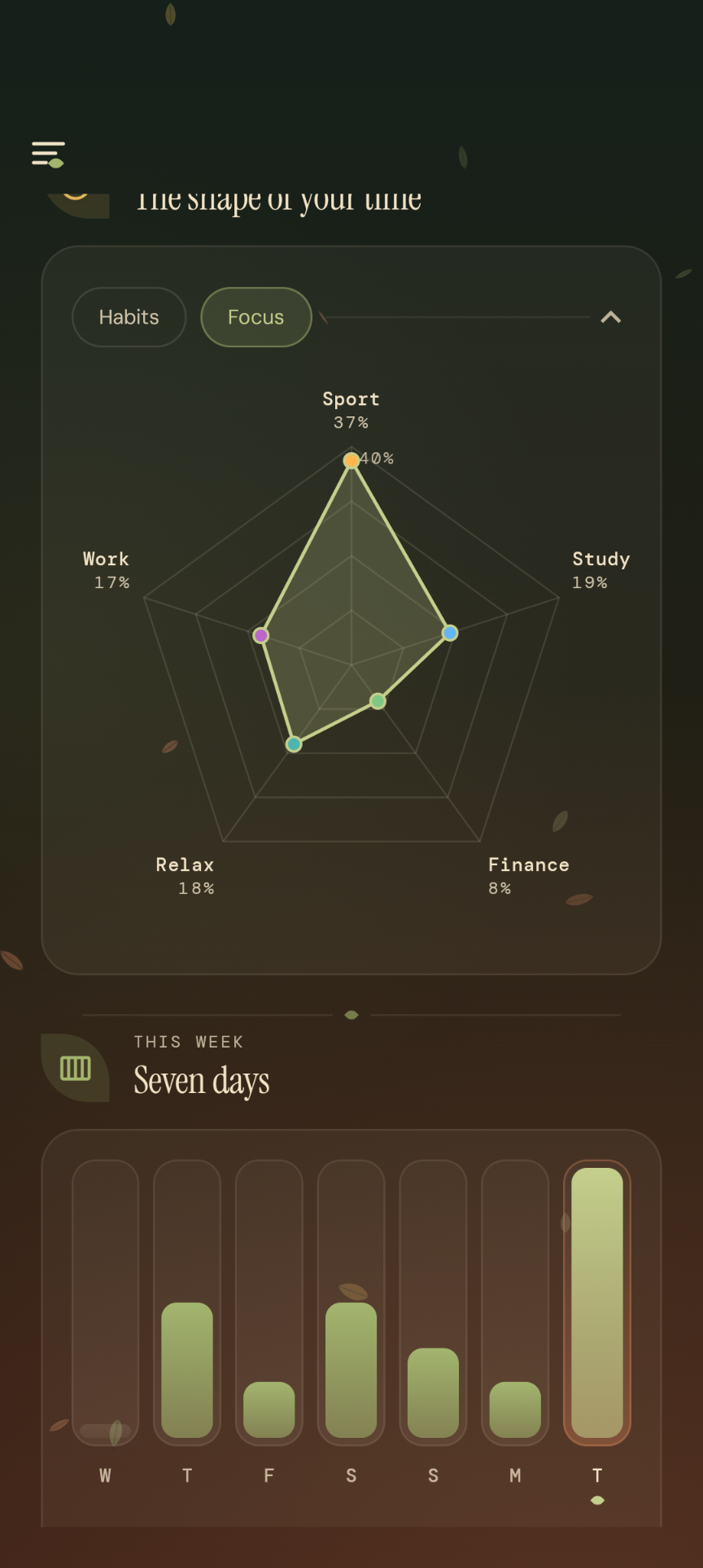
  • The shape of your time — a radar chart of balance across categories alongside bars for the last seven days.

    The shape of your time

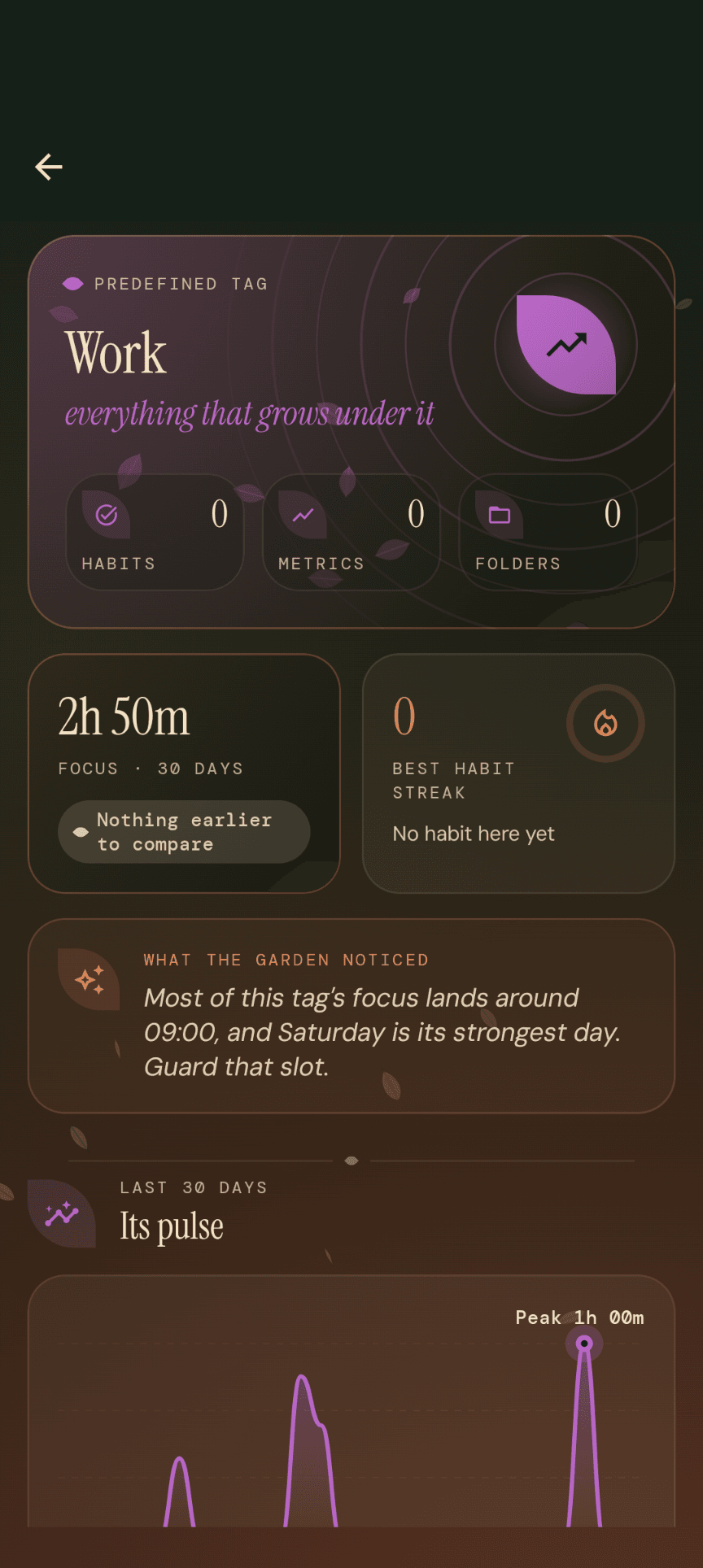
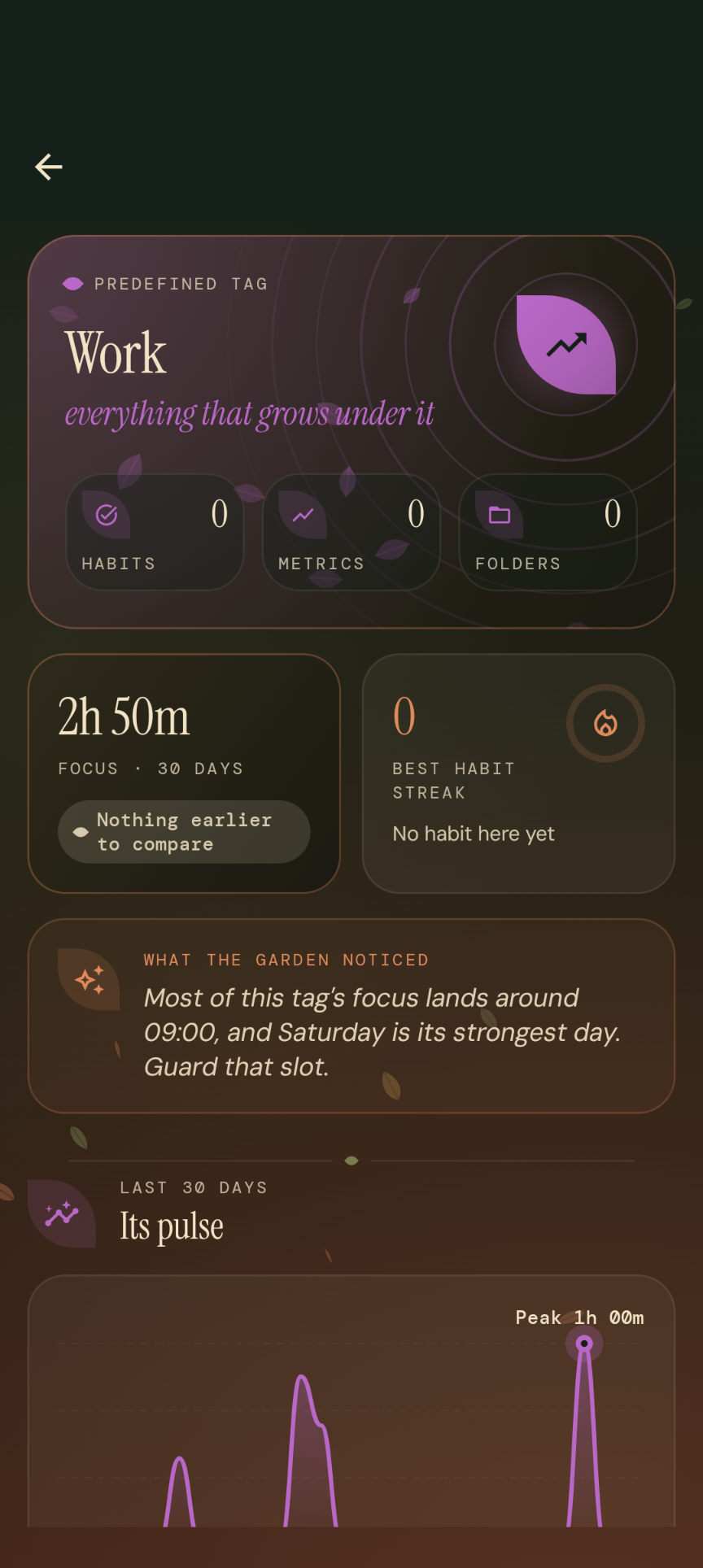
  • Work tag detail — a header with habit and metric counters, focus time over the last 30 days and an activity chart.

    Tag detail

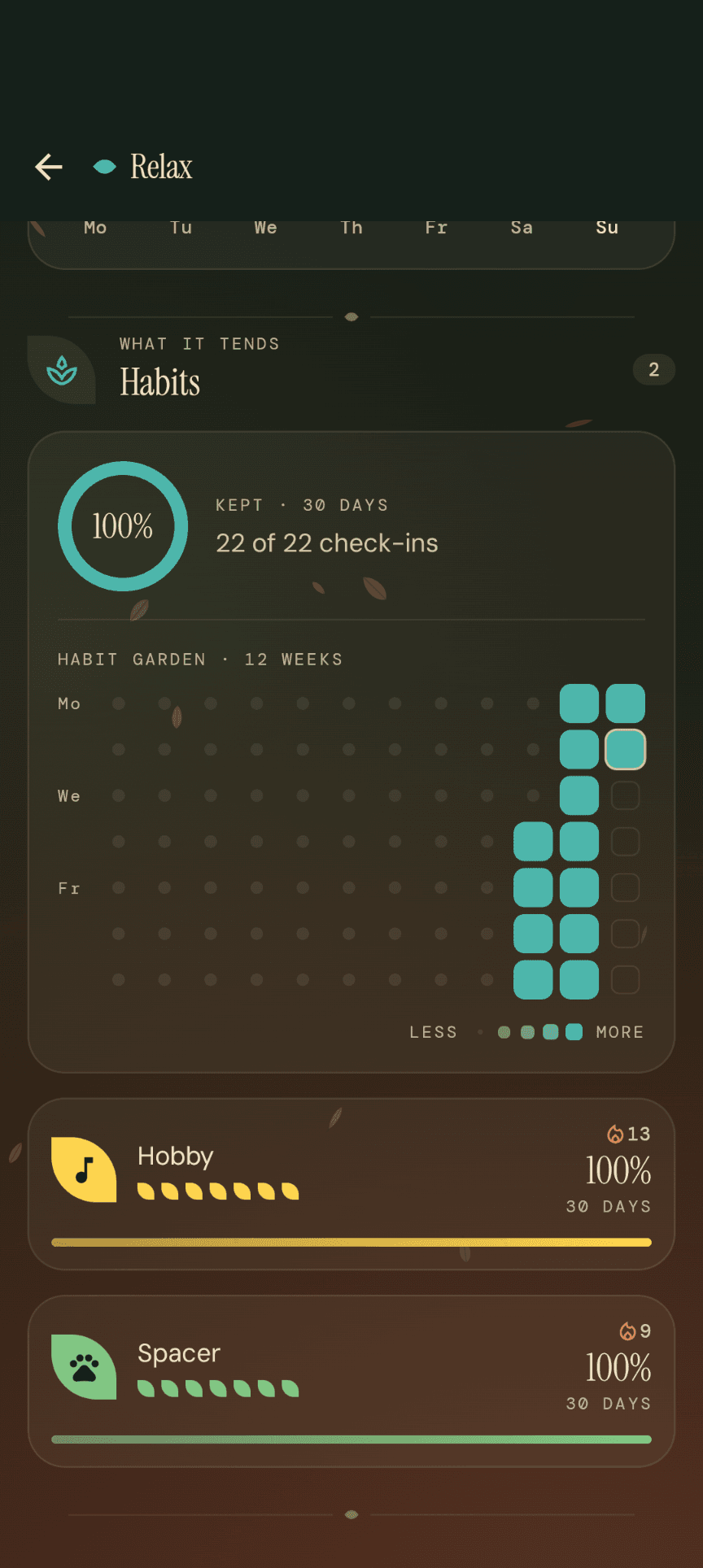
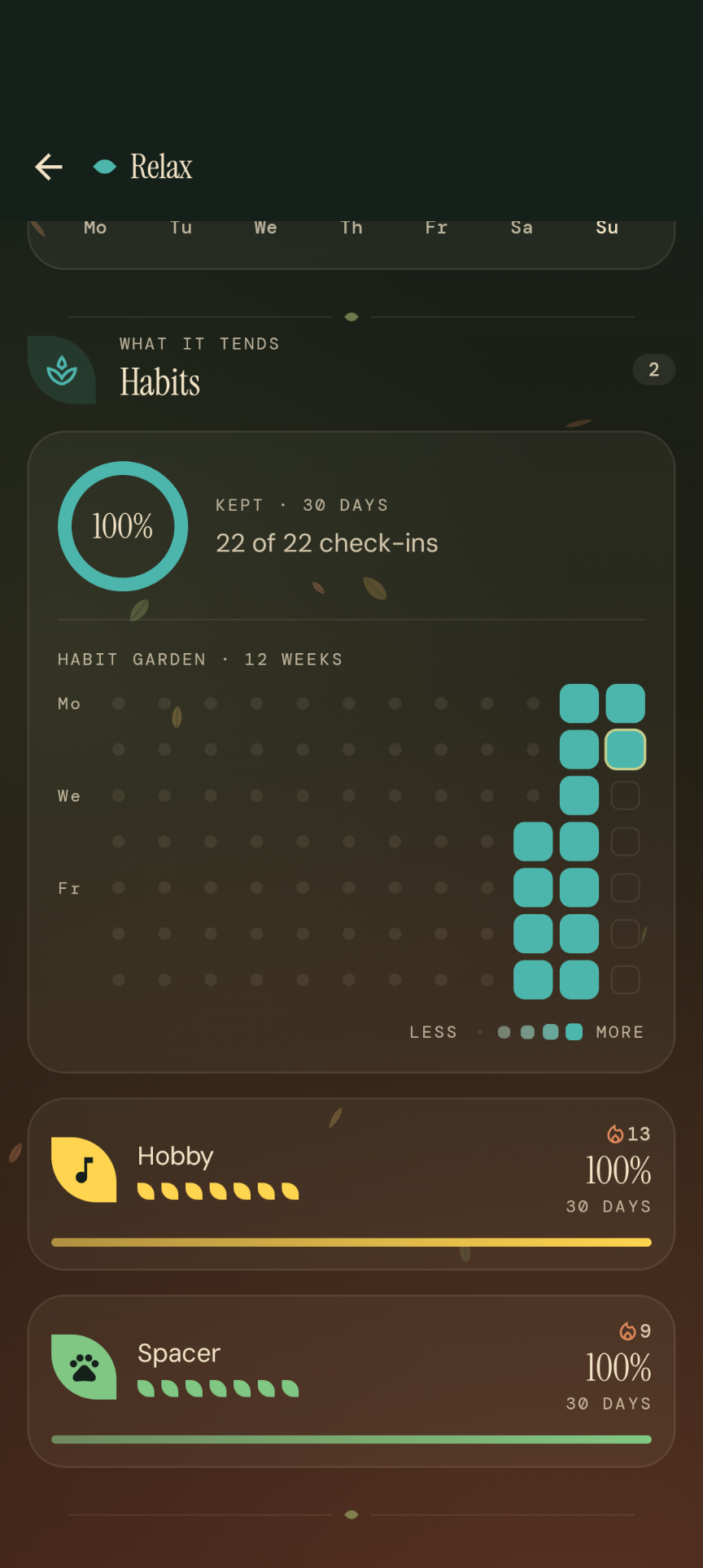
  • Habits within the Relax tag — the share of kept check-ins, a twelve-week habit-garden grid and a list of habits with their streaks.

    Habit garden

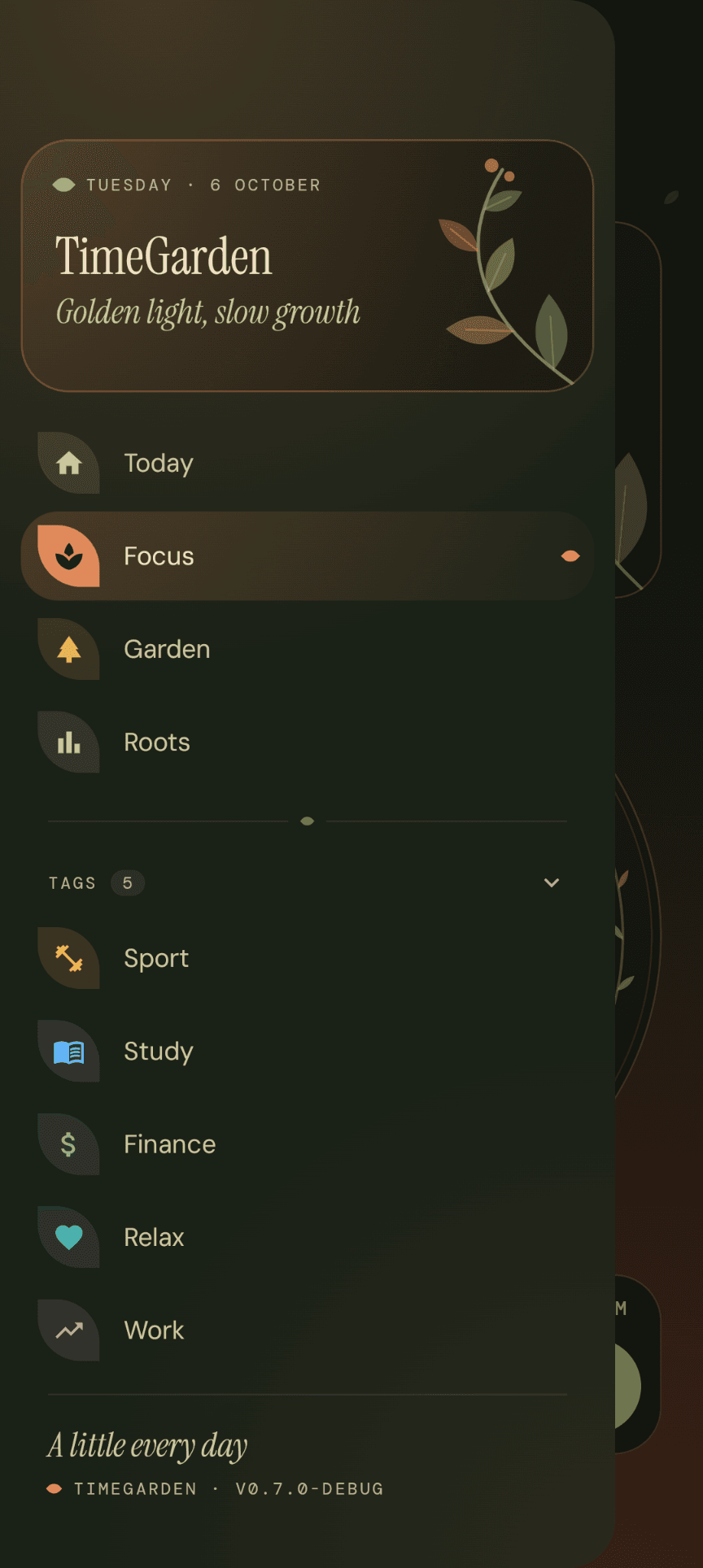
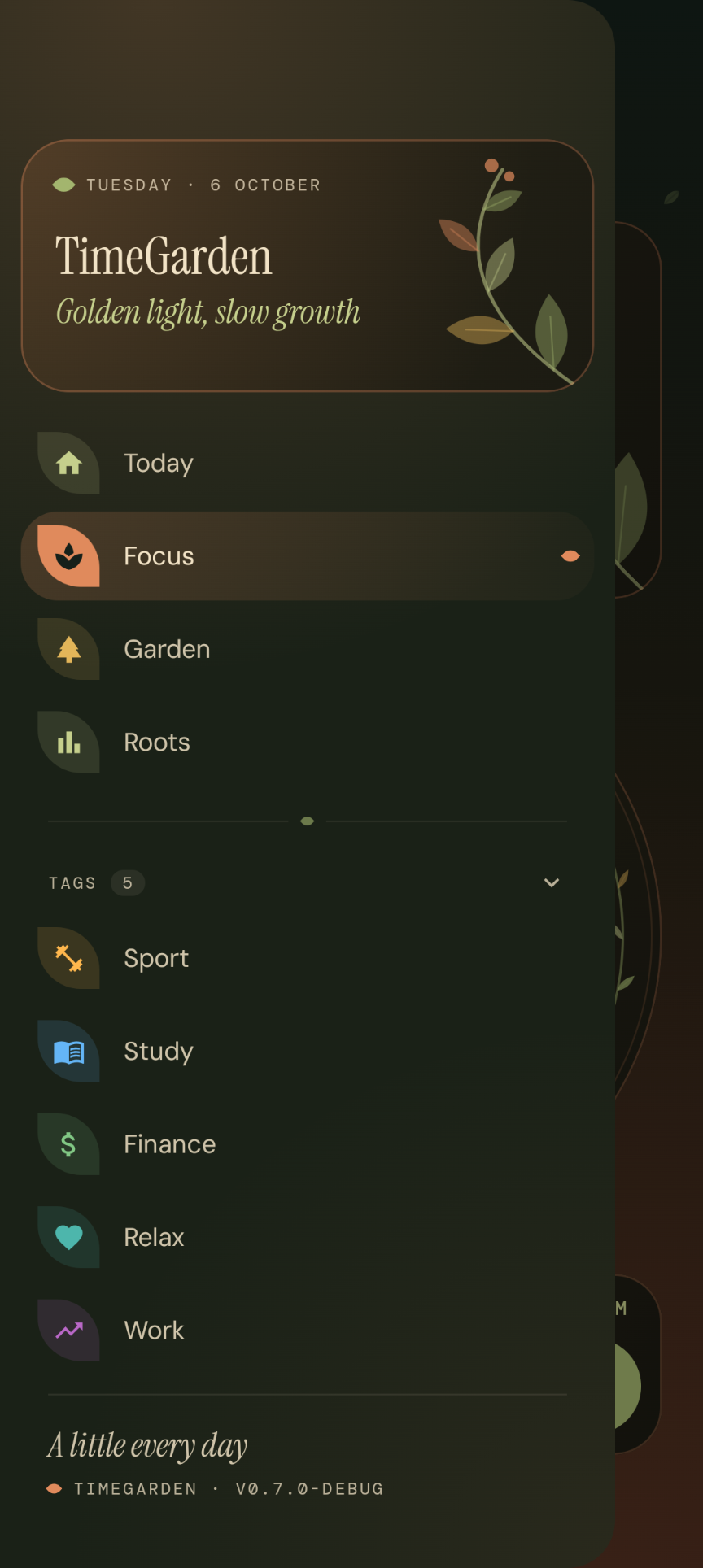
  • TimeGarden side menu — links to the Today, Focus, Garden and Roots sections plus the list of user tags.

    Navigation

  • The day view in the light Sakura theme — the same activity blocks on a pastel, blossoming background.

    The day, in blocks — light theme

  • Focus mode in the light theme — the session-length dial with a blossoming tree and the tag assigned to the session.

    Focus session — light theme

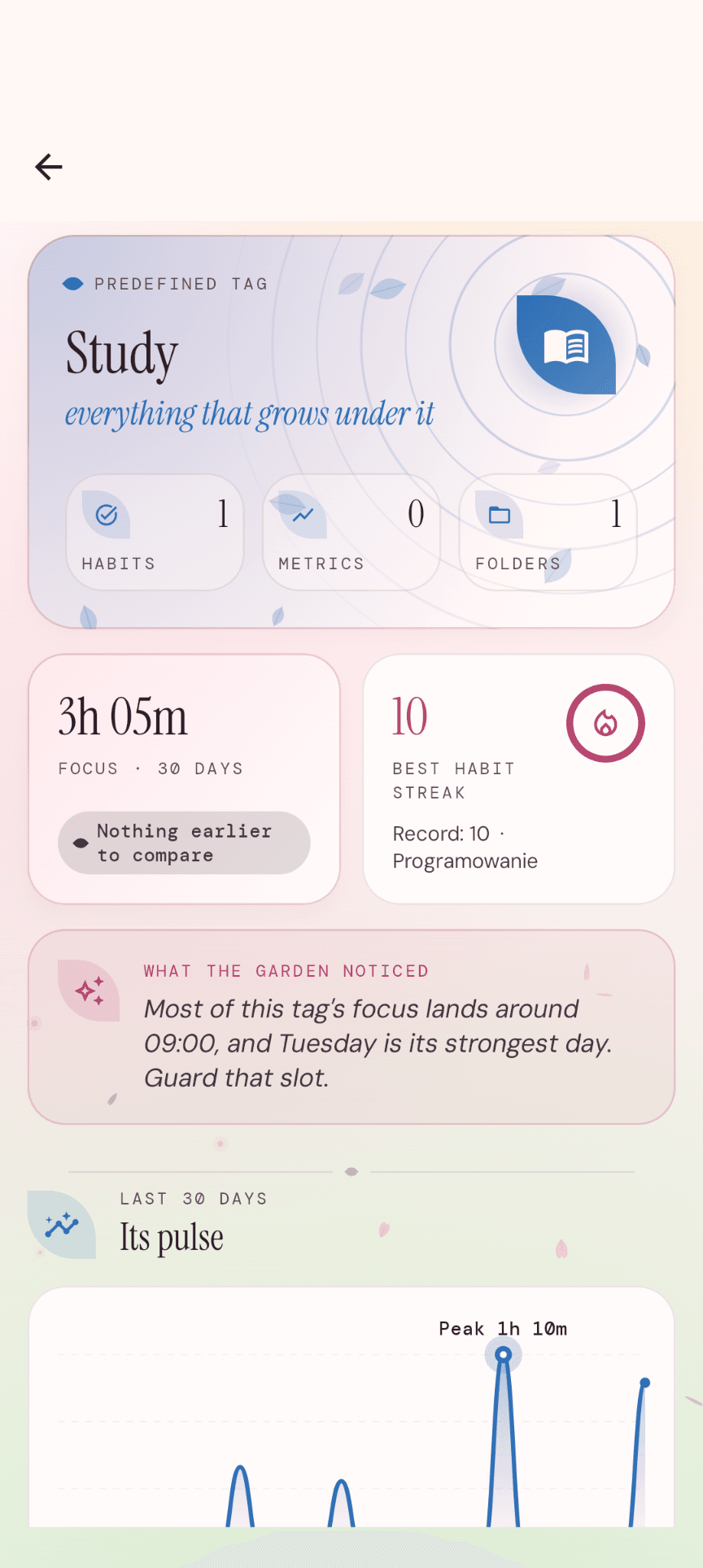
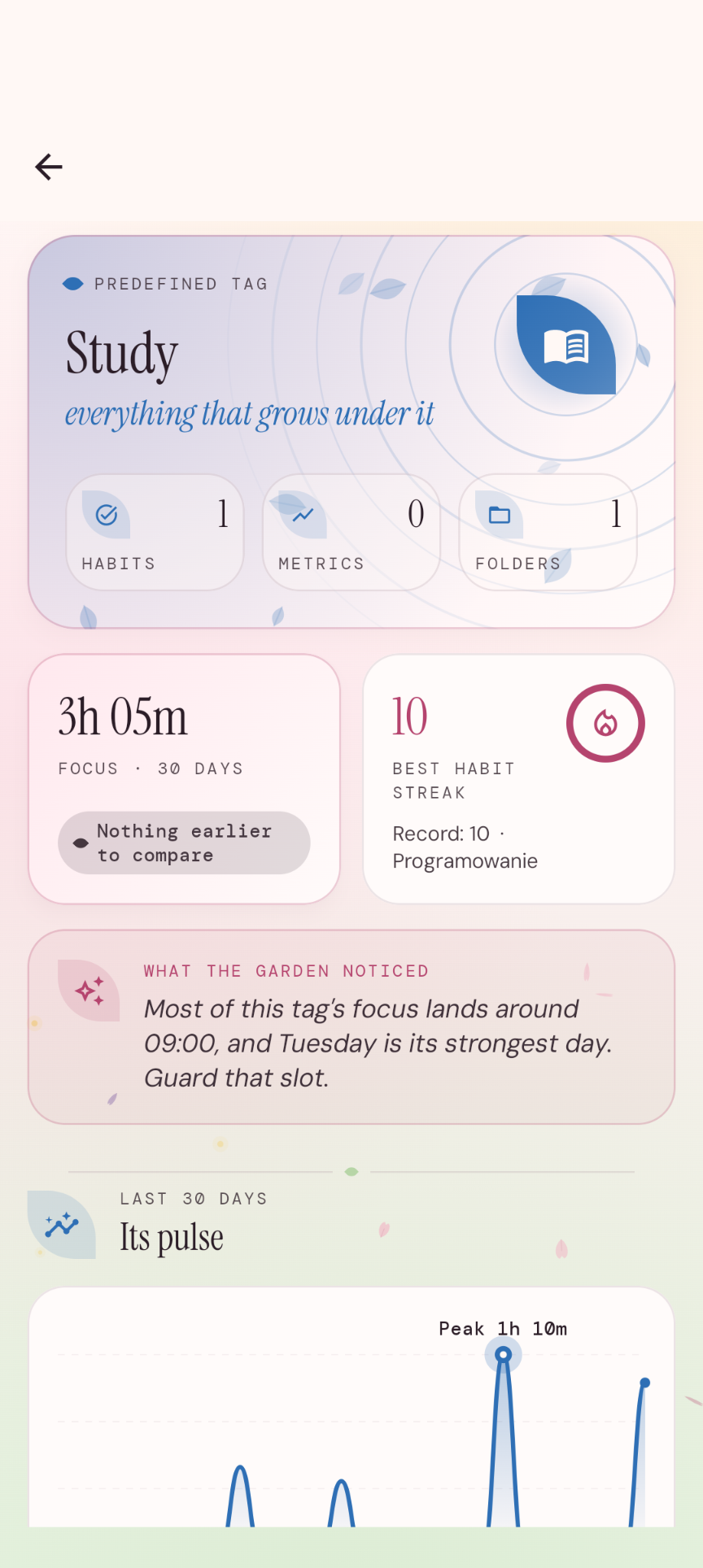
  • Study tag detail in the light theme — focus time, the longest habit streak and the observations the app collected.

    Tag detail — light theme

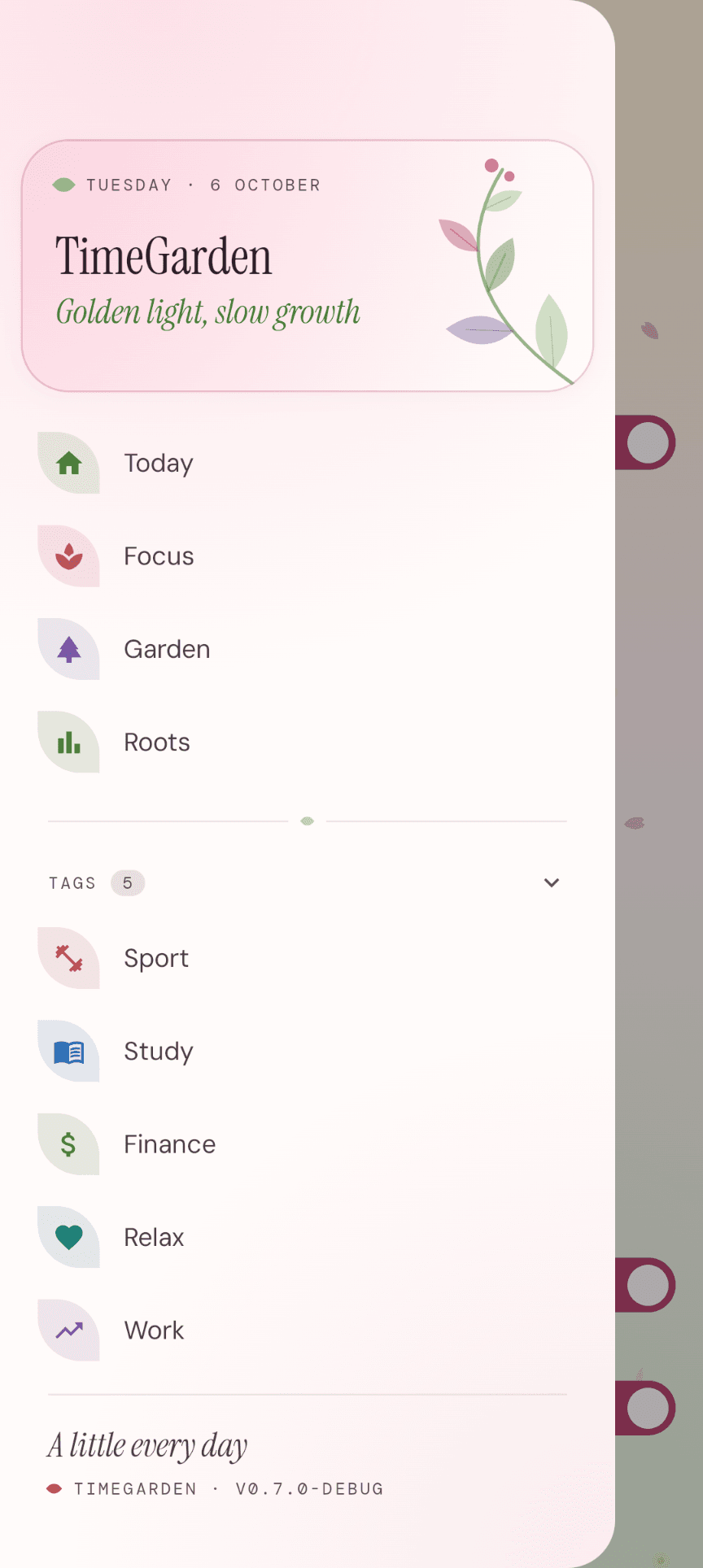
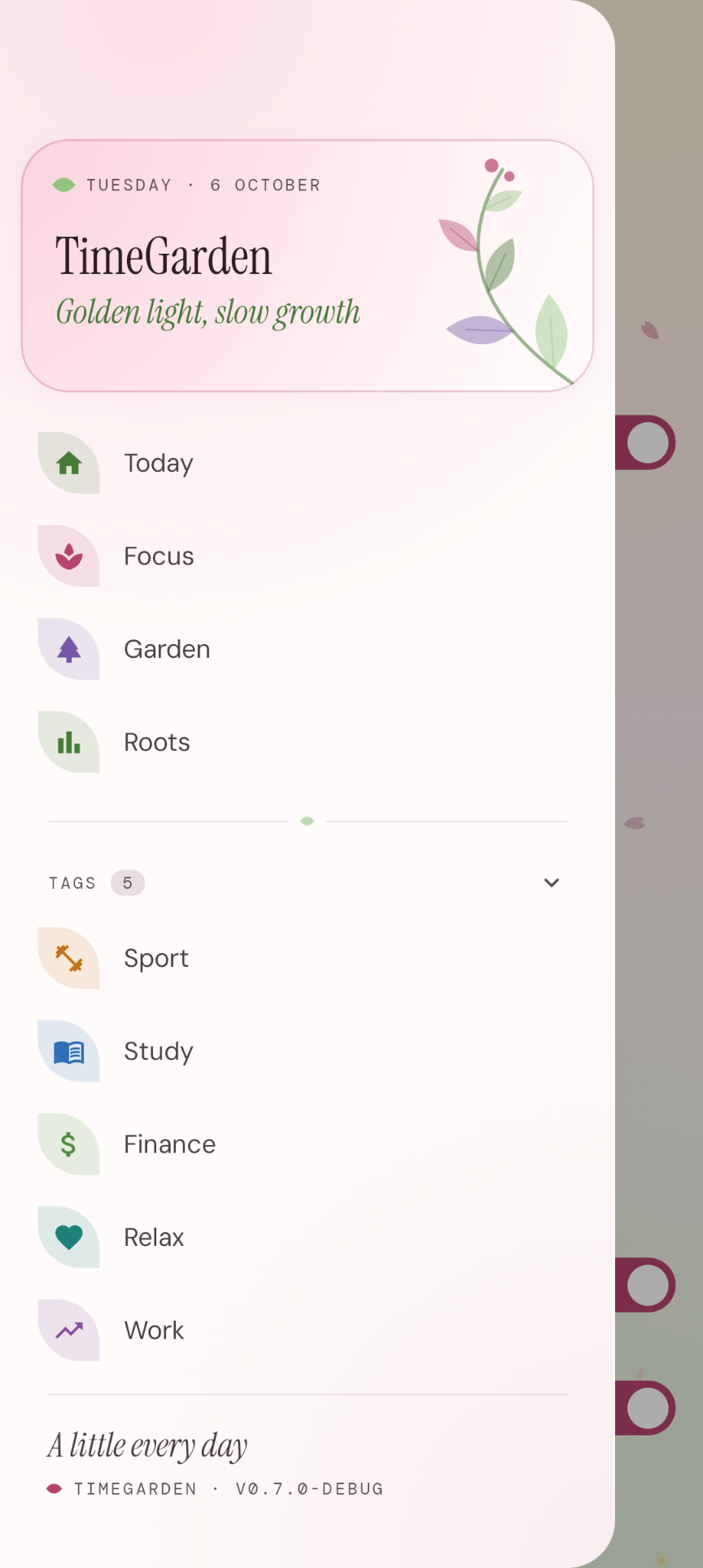
  • The side menu in the light Sakura theme — the same navigation and tag list in pastel colours.

    Navigation — light theme

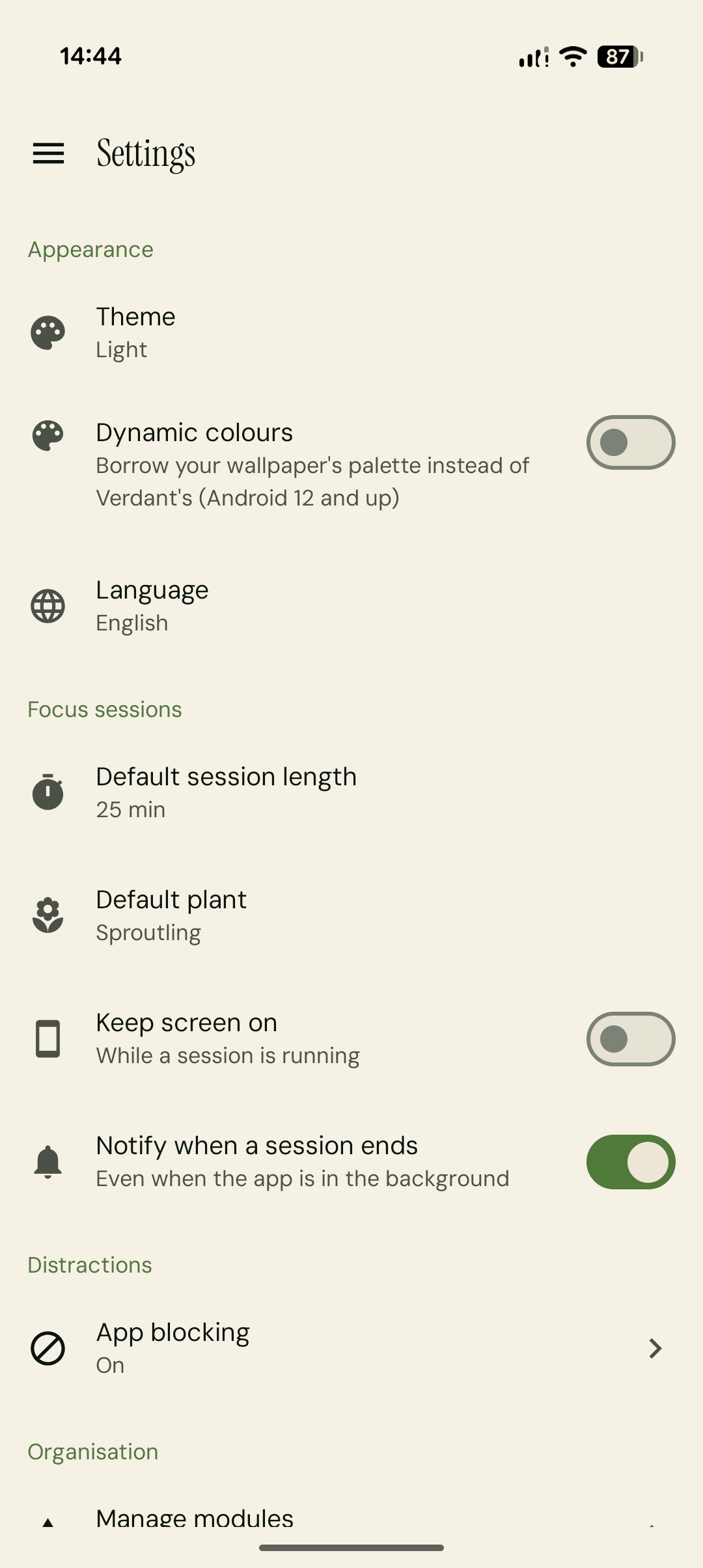
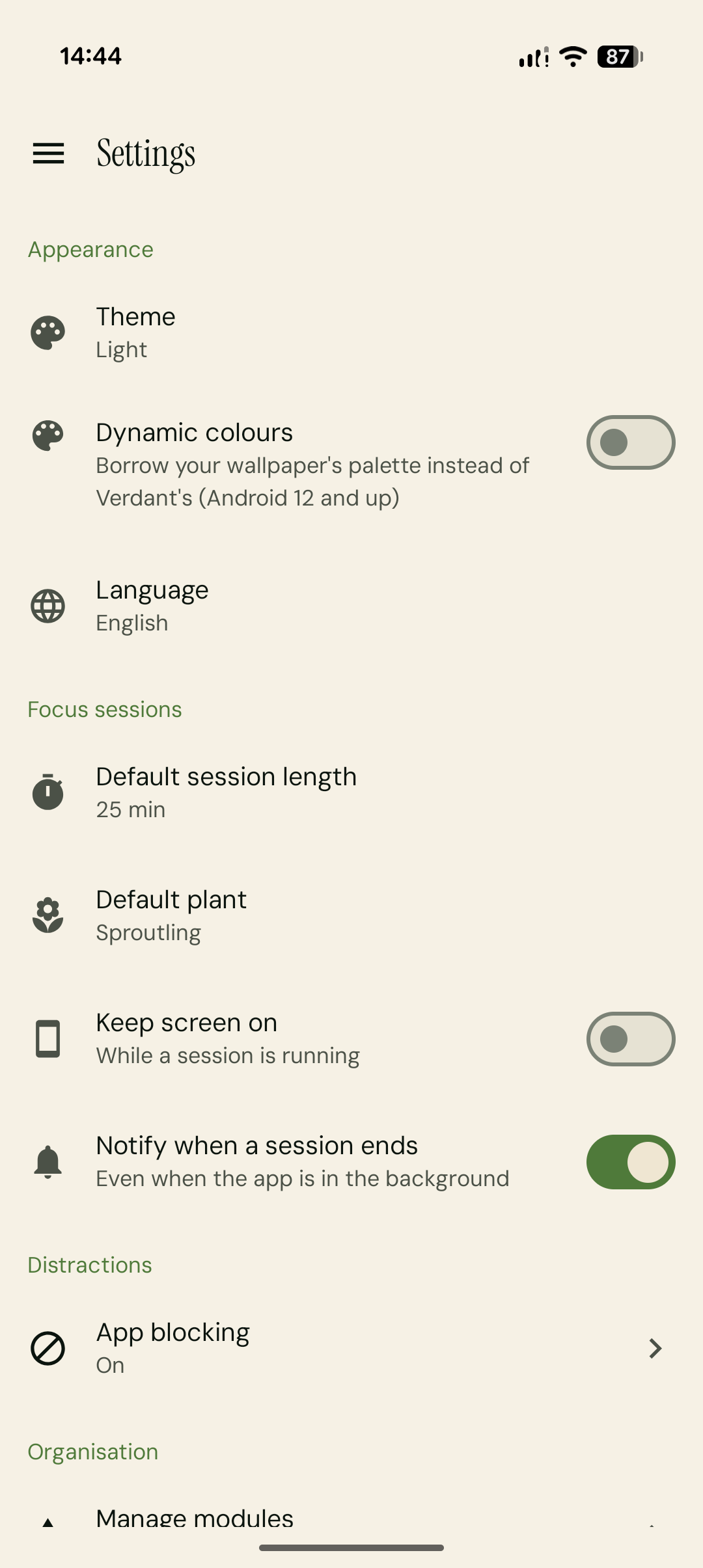
  • Ekran ustawień TimeGarden — wygląd, sesje Focus i blokowanie rozpraszaczy

    Ustawienia

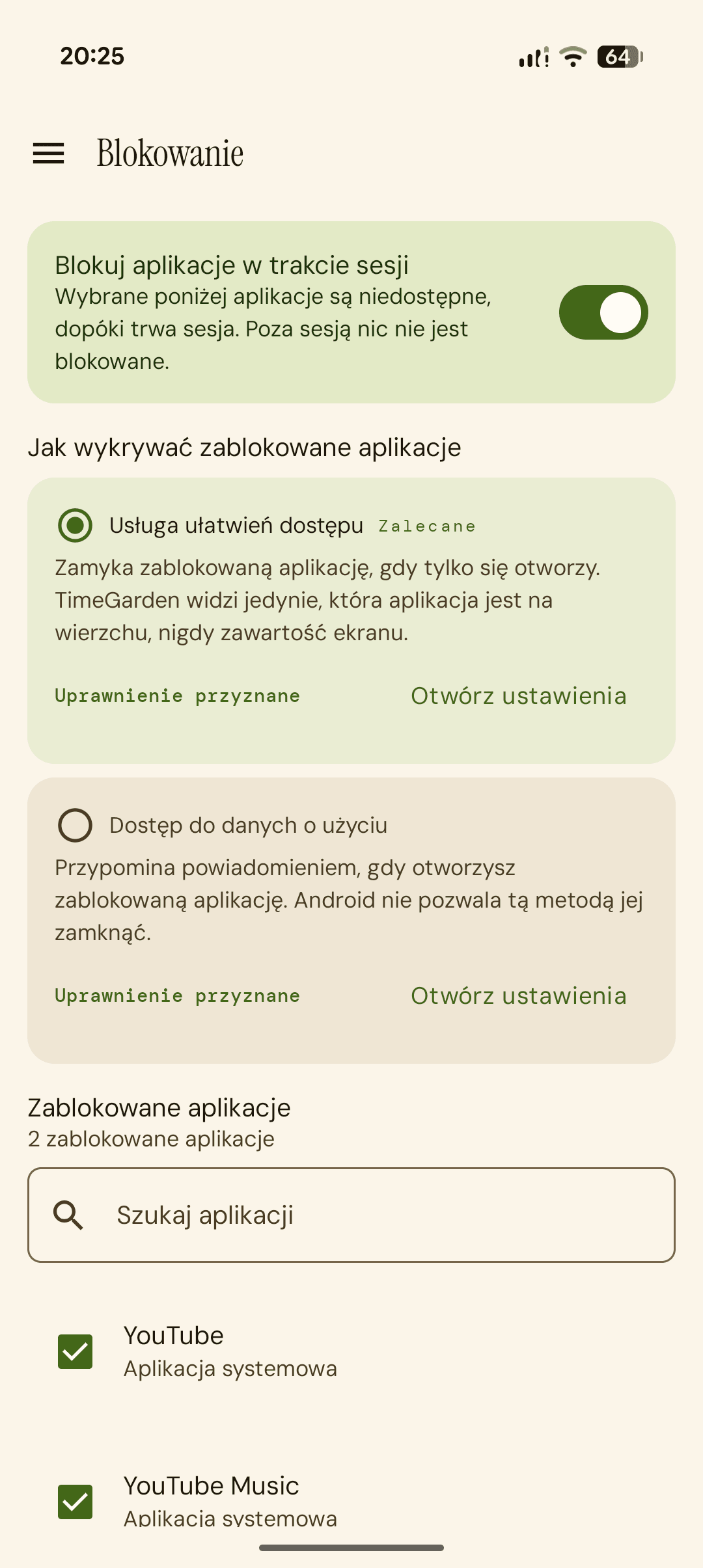
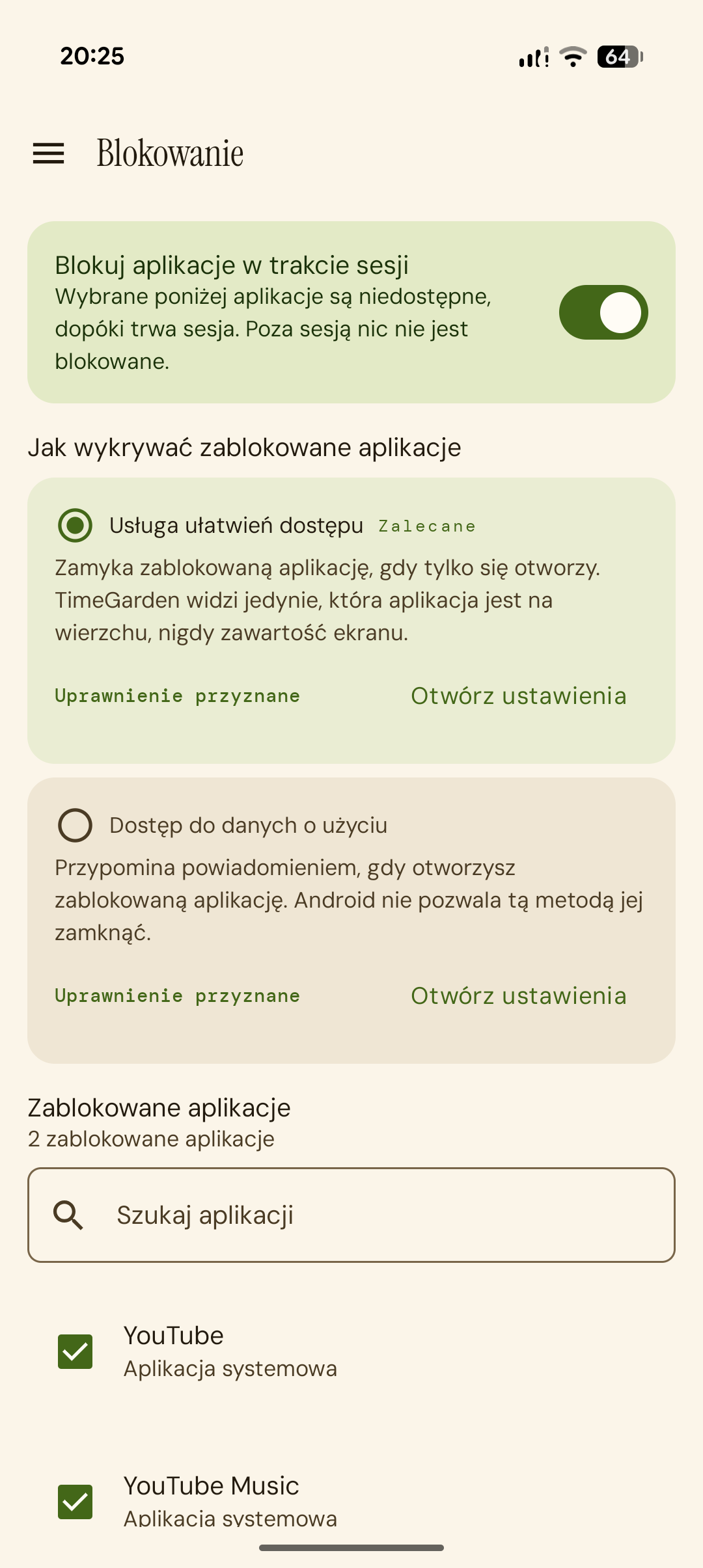
  • Ekran blokowania aplikacji podczas sesji Focus

    Blokowanie aplikacji

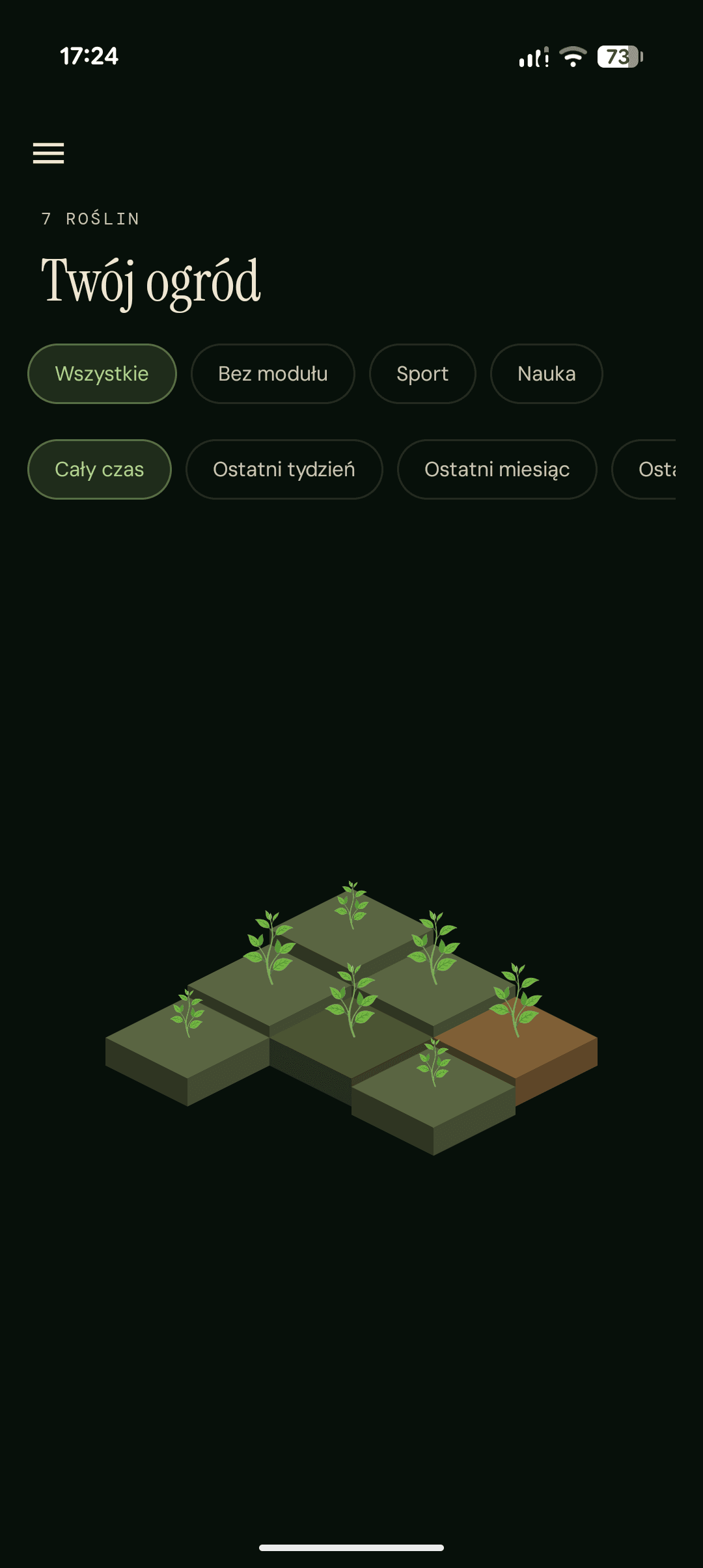
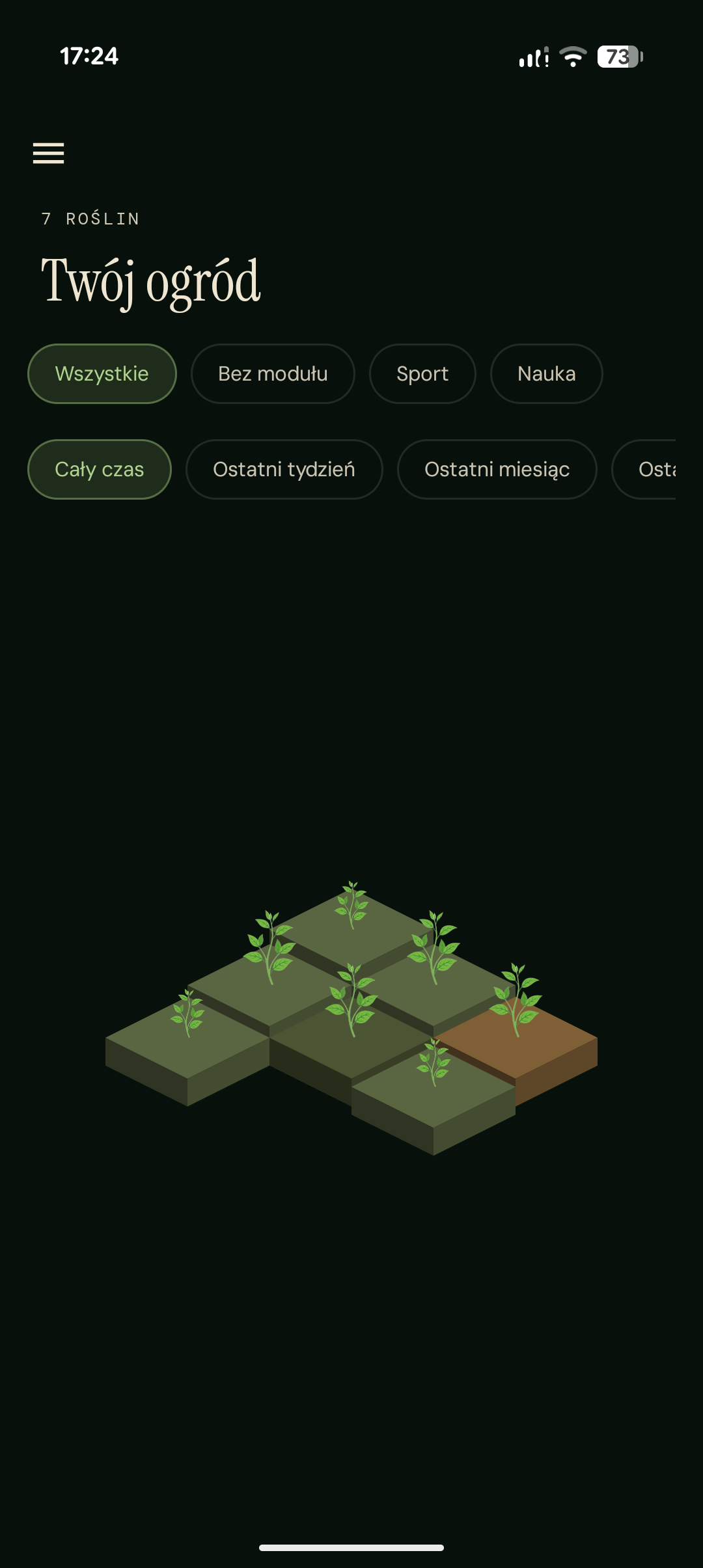
  • Widok ogrodu TimeGarden z rosnącymi roślinami, w trybie ciemnym

    Ogród

  • Logo TimeGarden na ciemnym tle z efektem poświaty
  • TikTok
  • Instagram
  • YouTube
  • Discord
  • Reddit
TimeGarden

Take control of your time

Social channels will appear here soon.

About

  • About
  • Progress
  • Product
  • Download

News

  • News
  • Gallery

Press

  • Team
  • Partners
  • Contact

© 2026 TimeGarden. All rights reserved.

  • Privacy policy
  • Terms of use
Back to top

🍪 This is where the cookies would be... If we had any.